Skip to content
  • 2D/3D
    • S3 ViRGE (325/VX/DX/GX/GX2) series of early 3D accelerators (deep dive)
    • NT4 OpenGL Mini-Client Driver Model, Matrox Millennium I/II and ATI Rage II/Pro
    • SGI IrisVision add-in 3D accelerator for PC (1990)
    • Windows 3.x 16-color palette driver and SimCity 2000 without SVGA
  • Computers
    • Toshiba Libretto 70CT (1997)
    • Toshiba T3200SX (1989)
    • Toshiba T1200XE (1990)
  • Benchmarking
    • Sieve Benchmark
    • GPUbench (under construction)
  • Blog
  • Contact
Close

Vintage Computers and 3D Acceleration

Vintage Computers and 3D Acceleration

  • 2D/3D
    • S3 ViRGE (325/VX/DX/GX/GX2) series of early 3D accelerators (deep dive)
    • NT4 OpenGL Mini-Client Driver Model, Matrox Millennium I/II and ATI Rage II/Pro
    • SGI IrisVision add-in 3D accelerator for PC (1990)
    • Windows 3.x 16-color palette driver and SimCity 2000 without SVGA
  • Computers
    • Toshiba Libretto 70CT (1997)
    • Toshiba T3200SX (1989)
    • Toshiba T1200XE (1990)
  • Benchmarking
    • Sieve Benchmark
    • GPUbench (under construction)
  • Blog
  • Contact

Search Results for: quaderno

Olivetti Quaderno PT-XT-20 (1992) – part 2

  • by swarm
  • 2020-09-142021-05-14
  • 1 Comment

You might think that the machine is useless without a working HDD and no floppy drive, but that is not true. Quaderno has a small bootable “ROMDOS” drive with basic system files, COMMAND.COM, a RAMDISK driver (up to 320KB of EMS memory can be used and you still have full 640KB of conventional memory) and Interlink software. This drive is interesting, because it acts like a read-write one. You can edit config.sys and autoexec.bat (the changes are there even after shutdown, if the CMOS battery is ok or AC is connected). You can even copy files there, but if it’s more than a few KB, the system will crash hard (requiring you to
reinitialize the ROMDOS).
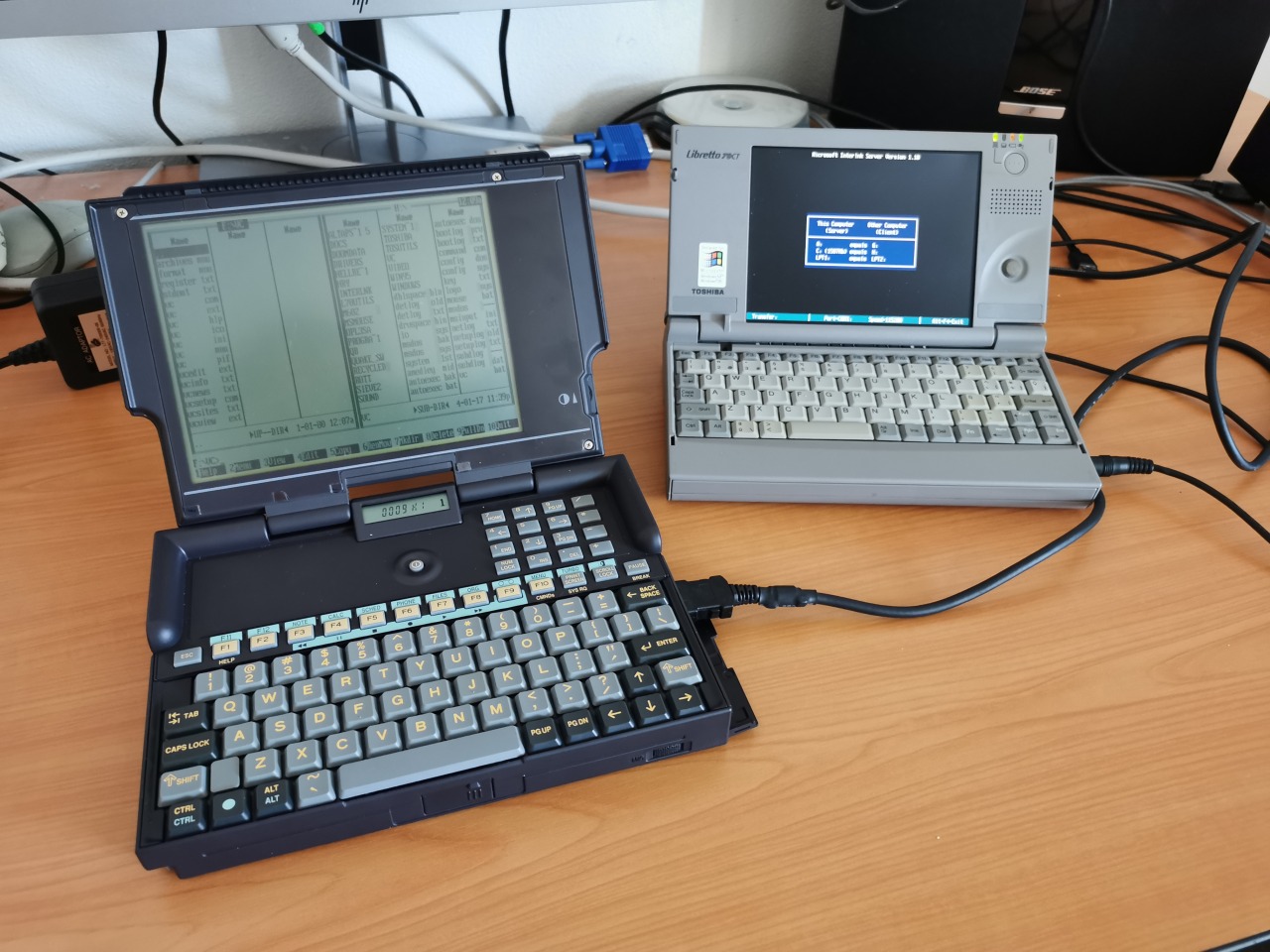
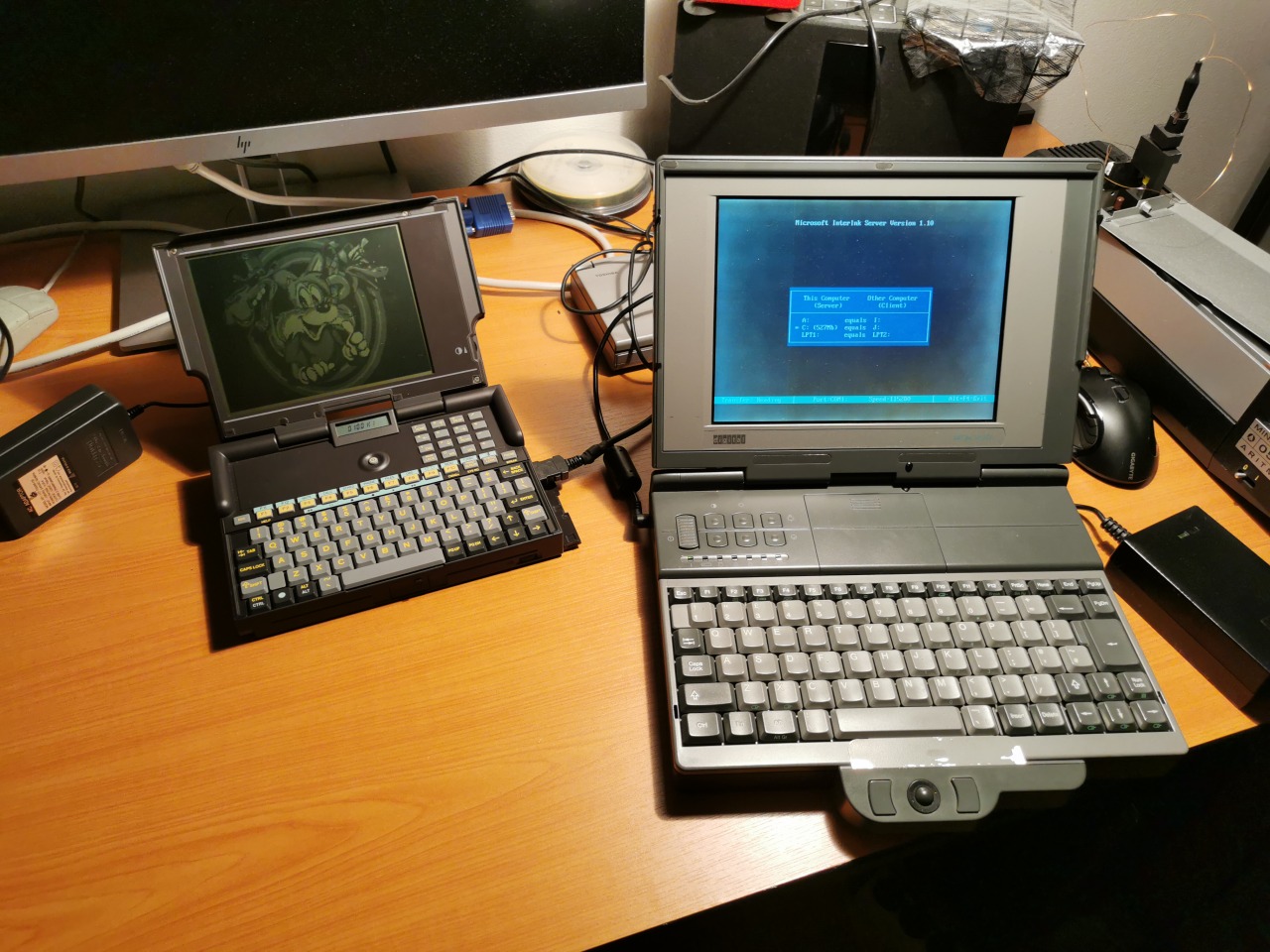
With Interlink, you can mount remote HDDs over a serial port. I used it to run VC (Volkov Commander) to edit the config.sys (no EDIT.COM in ROMDOS) and enable the RAMDISK driver. After this, I had my small but fast local storage (non-persistent) and everything bigger was started directly out of the remote HDD from another computer. This is a good way to test the computer before fixing the HDD or installing a flash/SRAM card in PCMCIA 1.0.
Olivetti Quaderno PT-XT-20 (1992) – part 1

  • by swarm
  • 2020-09-122021-05-14

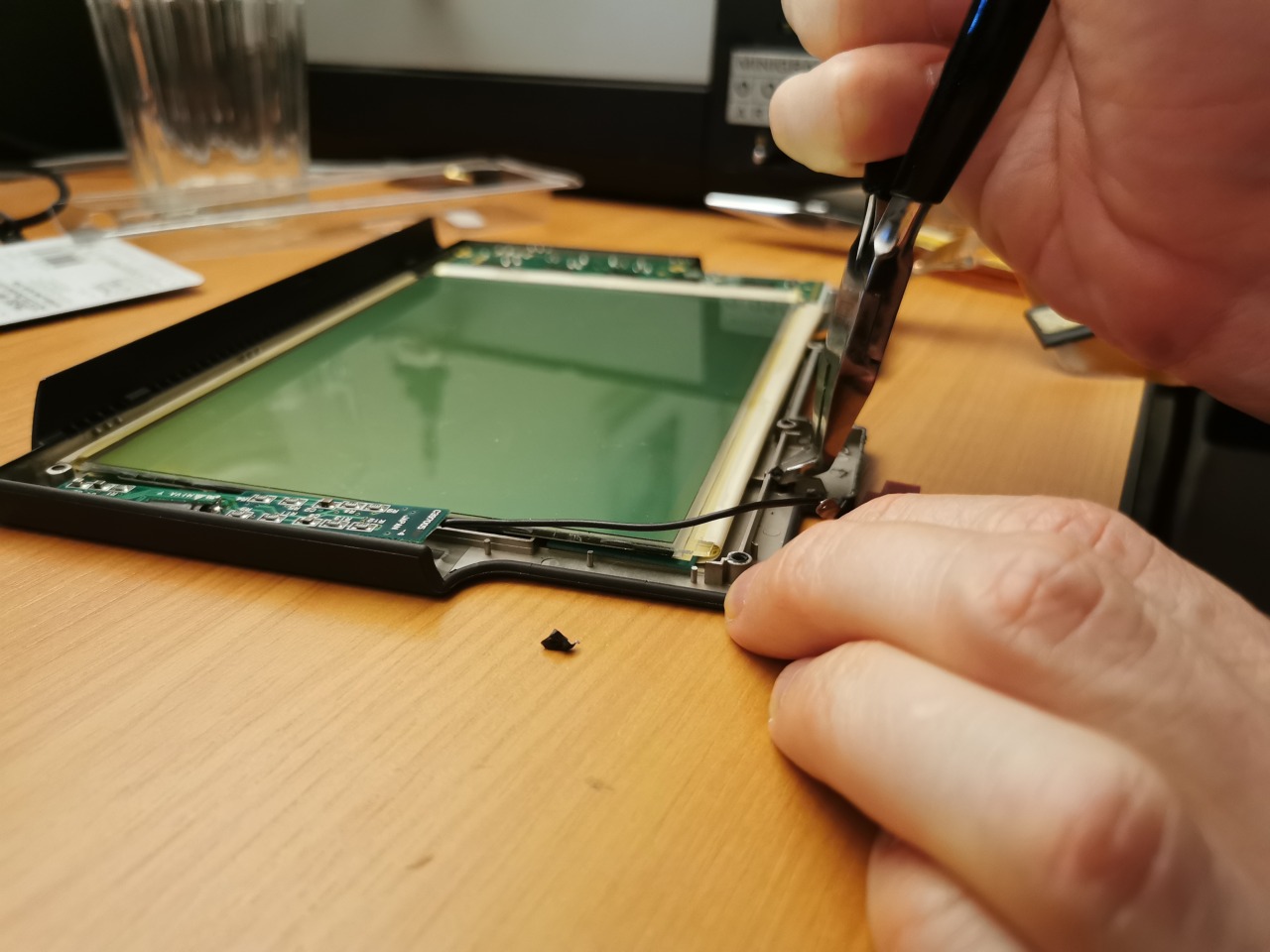
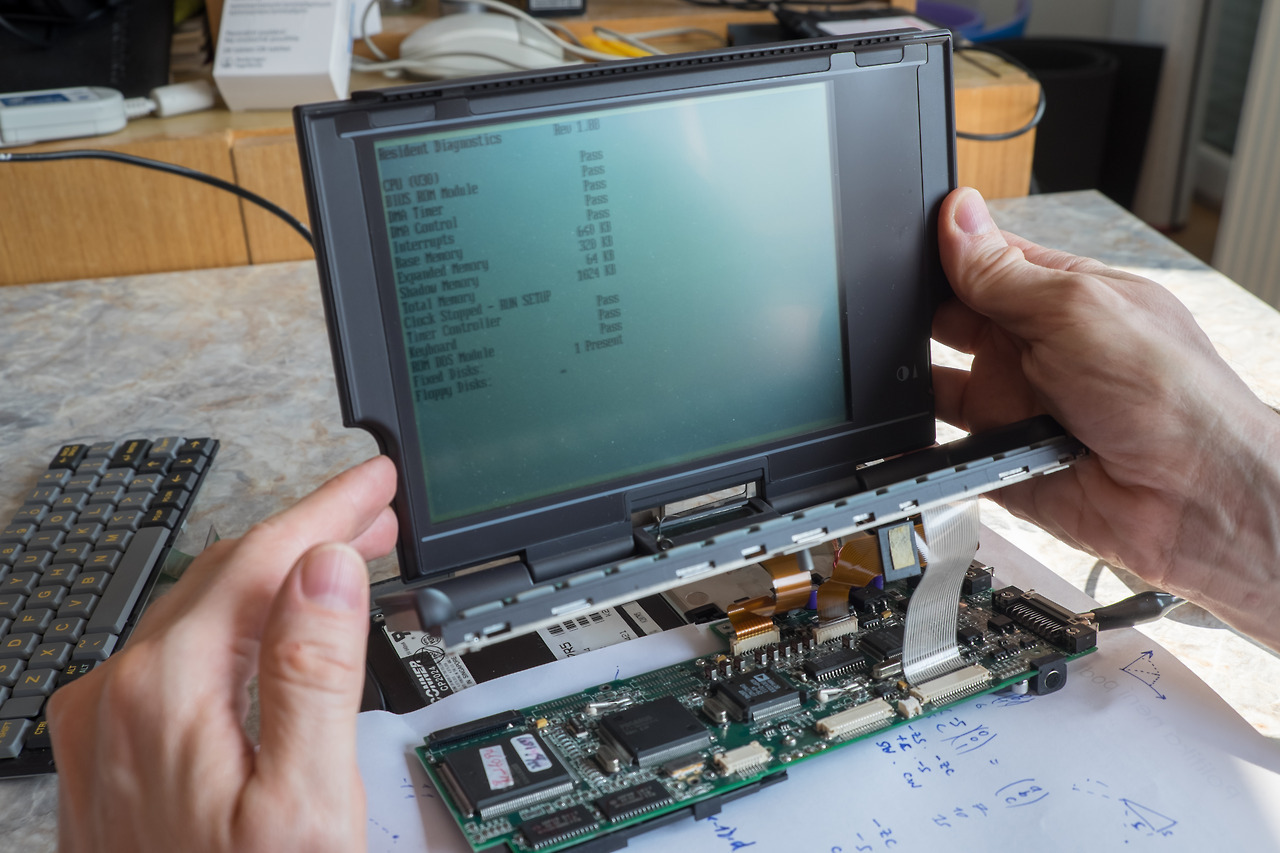
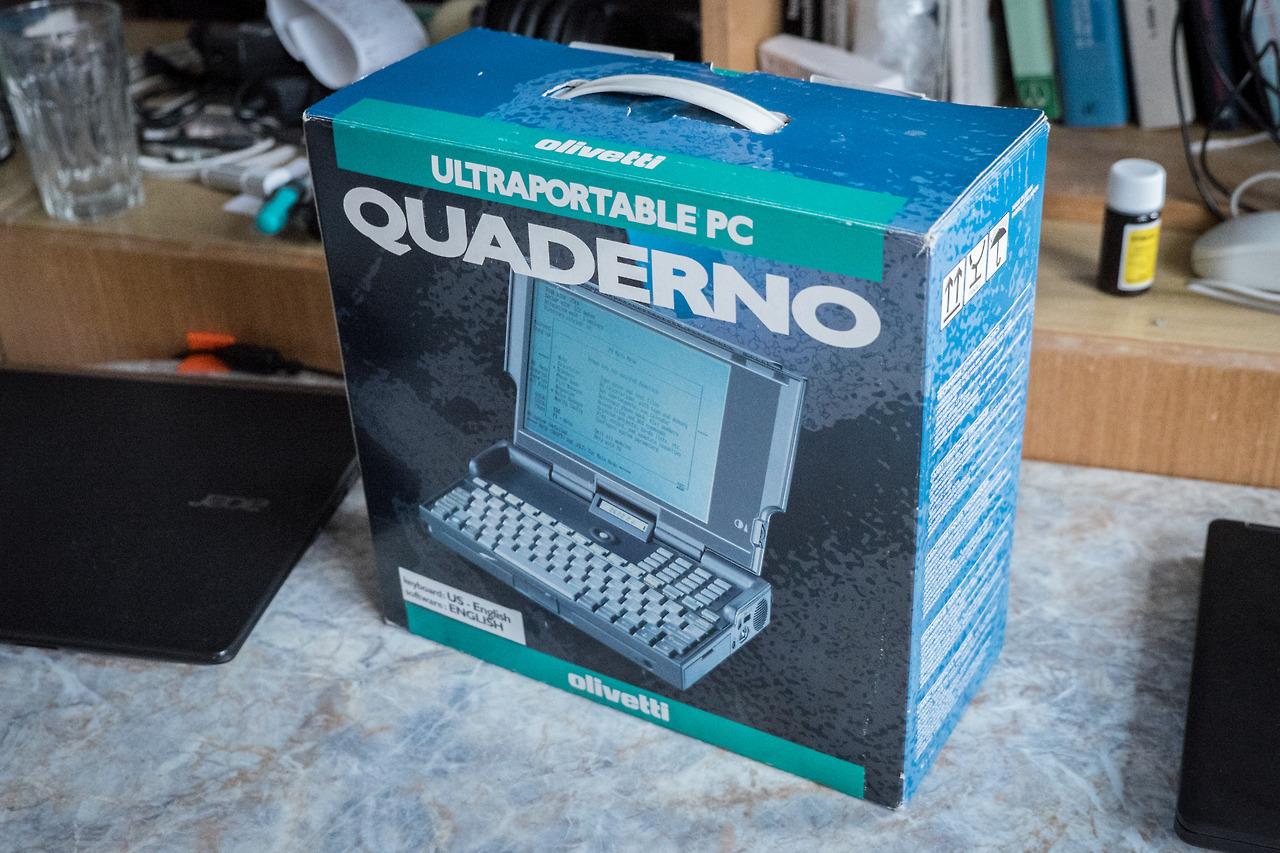
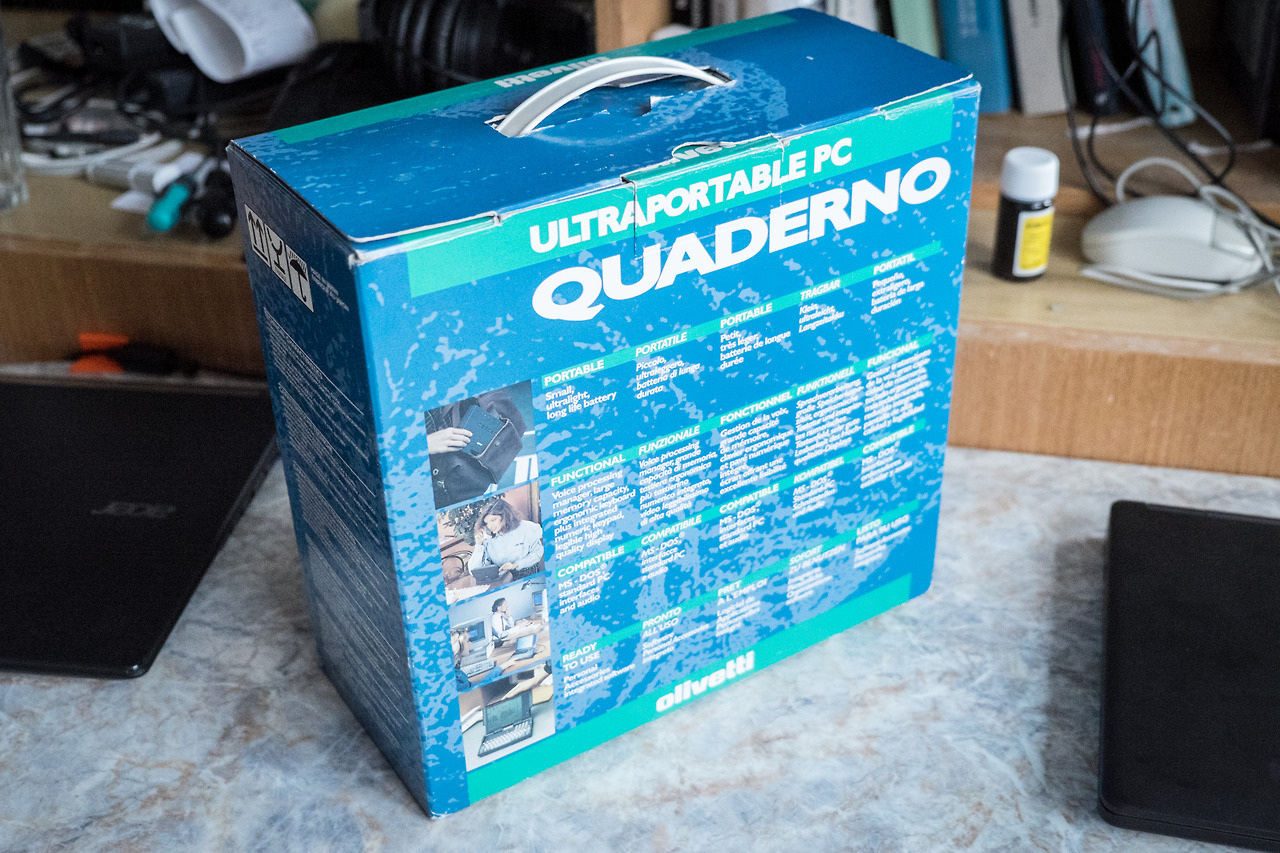
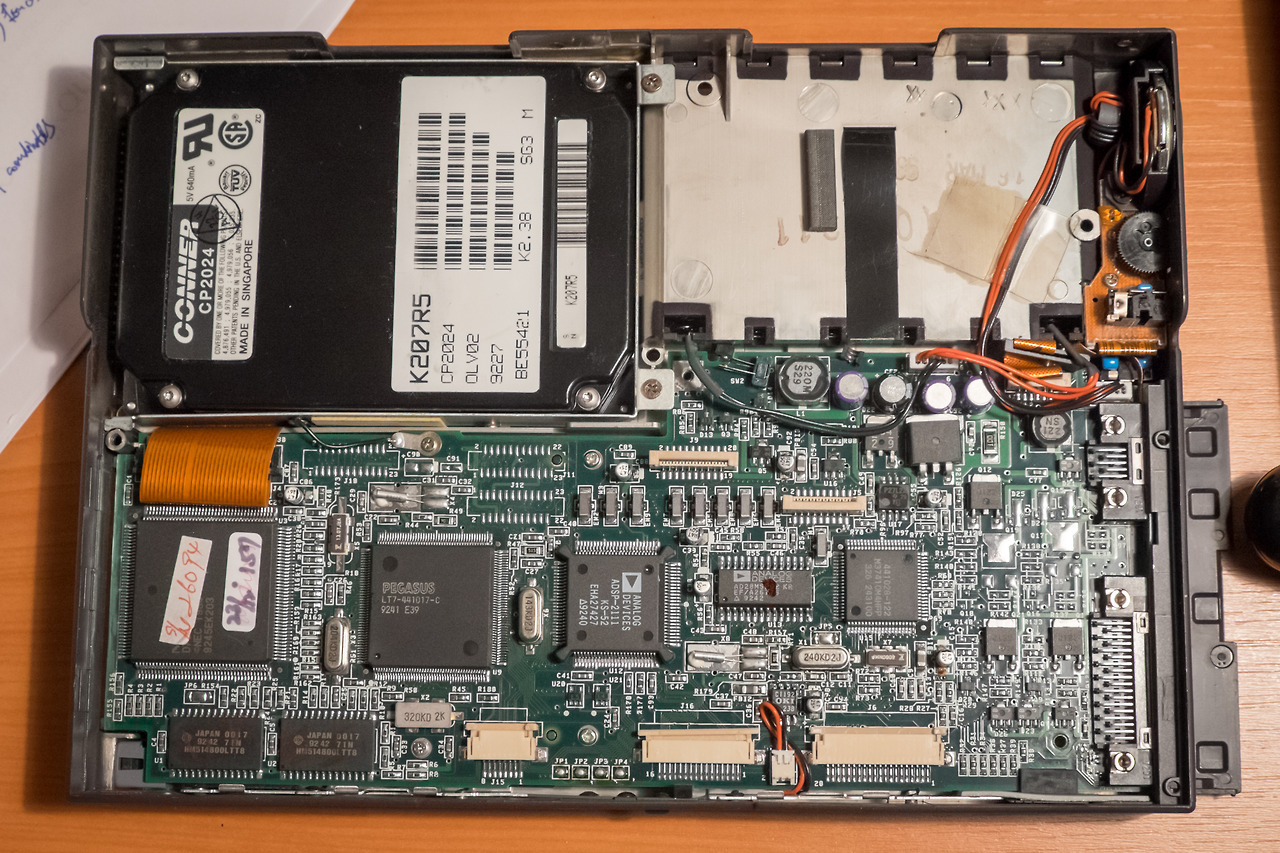
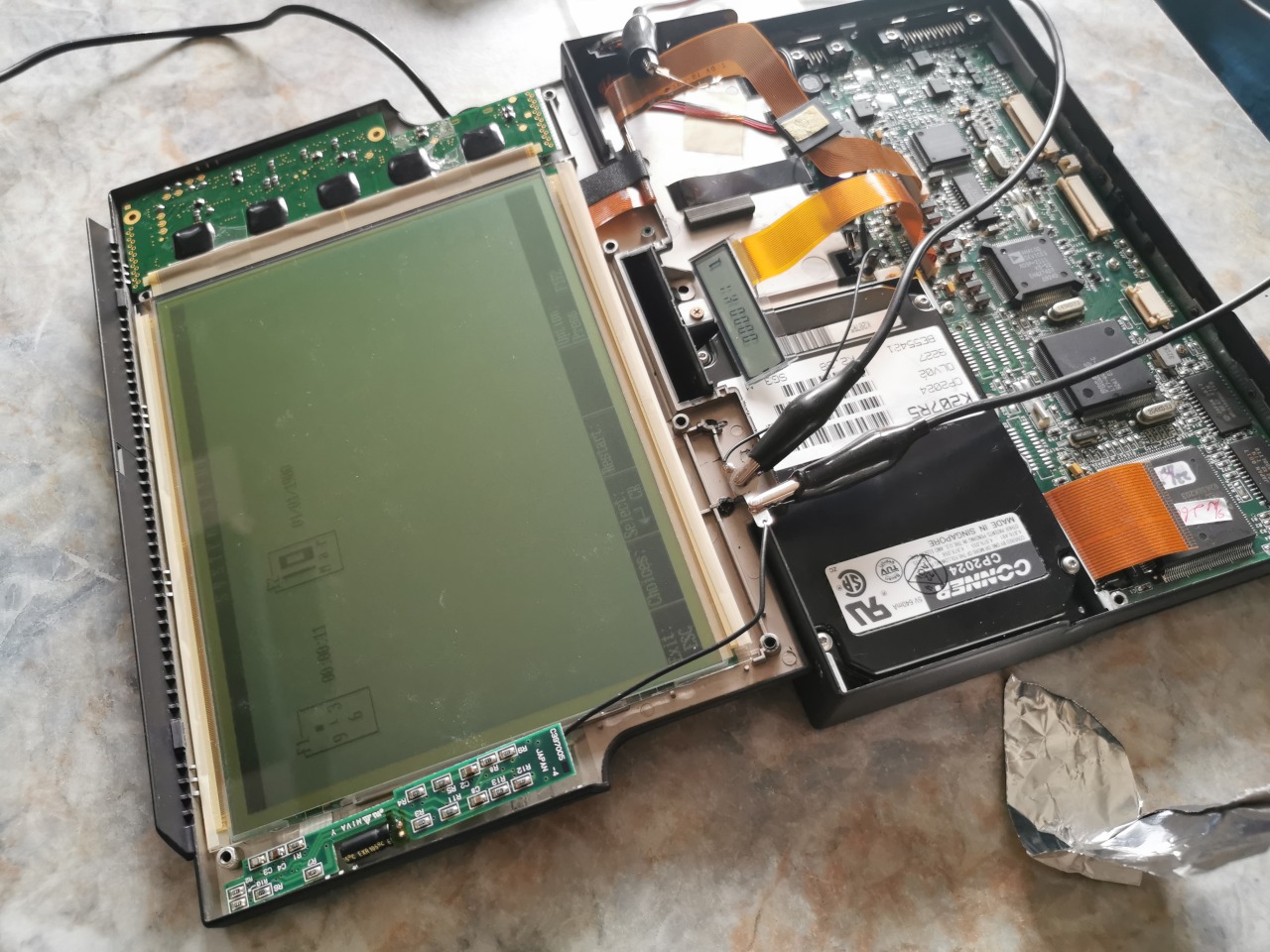
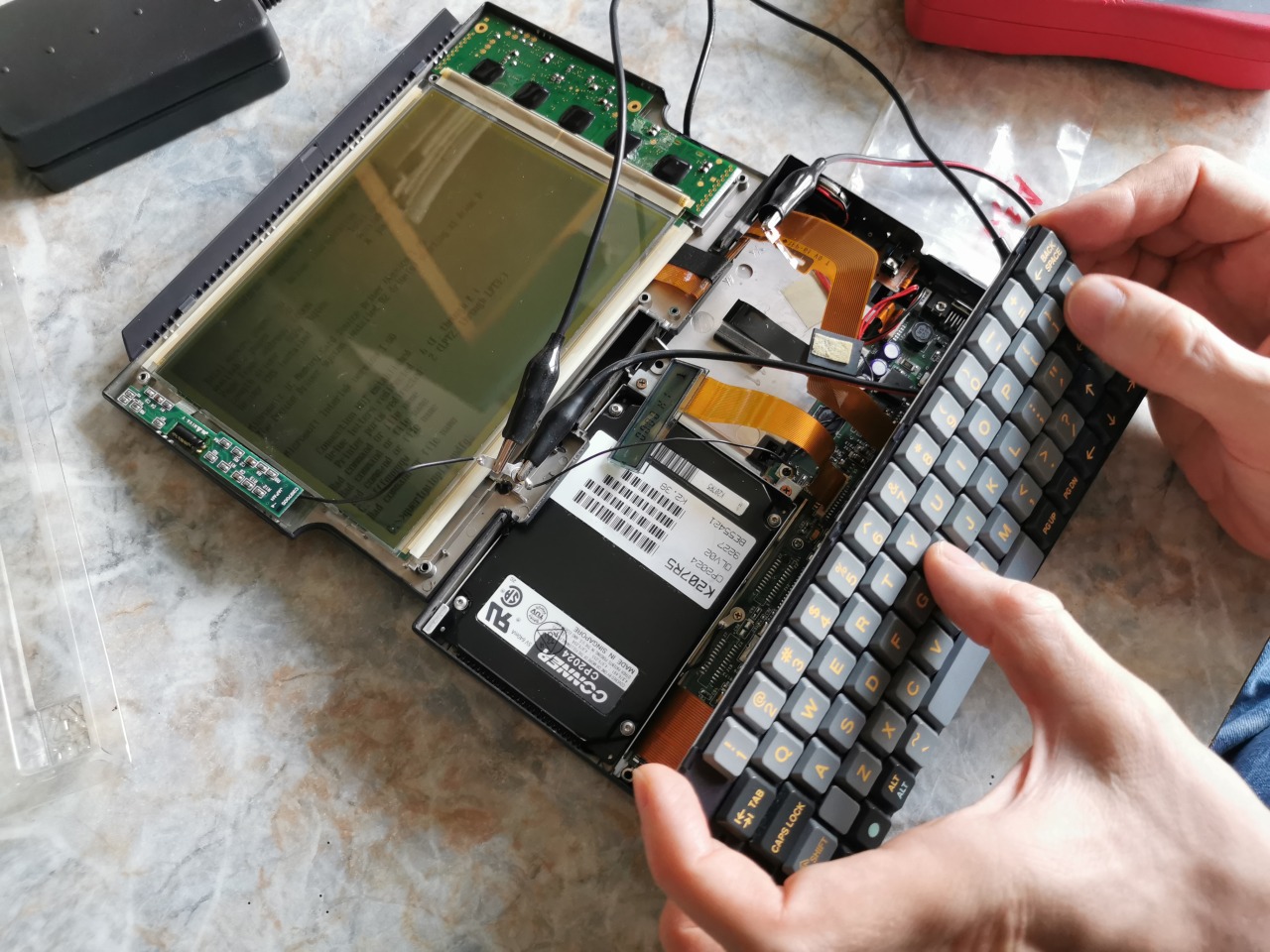
This little machine is an XT-class computer with 16MHz NEC V30HL, 1MB of RAM, double-CGA 640×400 graphics (AT&T6300/Toshiba compatible), MS-DOS in ROM and a 20MB Conner HDD (working in 8-bit mode). Its size and weight are halfway between regular laptops and handhelds (it is ultra-portable even by today’s standards). I got one three years ago and it was dead like almost all of them nowadays. The issue was “easily” fixable by replacing all the SMD capacitors. We replaced the ones on the logic board and the computer booted. However, the screen was not able to retain the contrast value, which made it hardly usable. Also the Conner drive had the head stuck (a common issue, that I want to fix later). We disassembled the lid and replaced a capacitor on the display board. Everything worked flawlessly when disassembled. As soon as we assembled the machine together, it stopped working. We were tired and put the whole thing into storage.

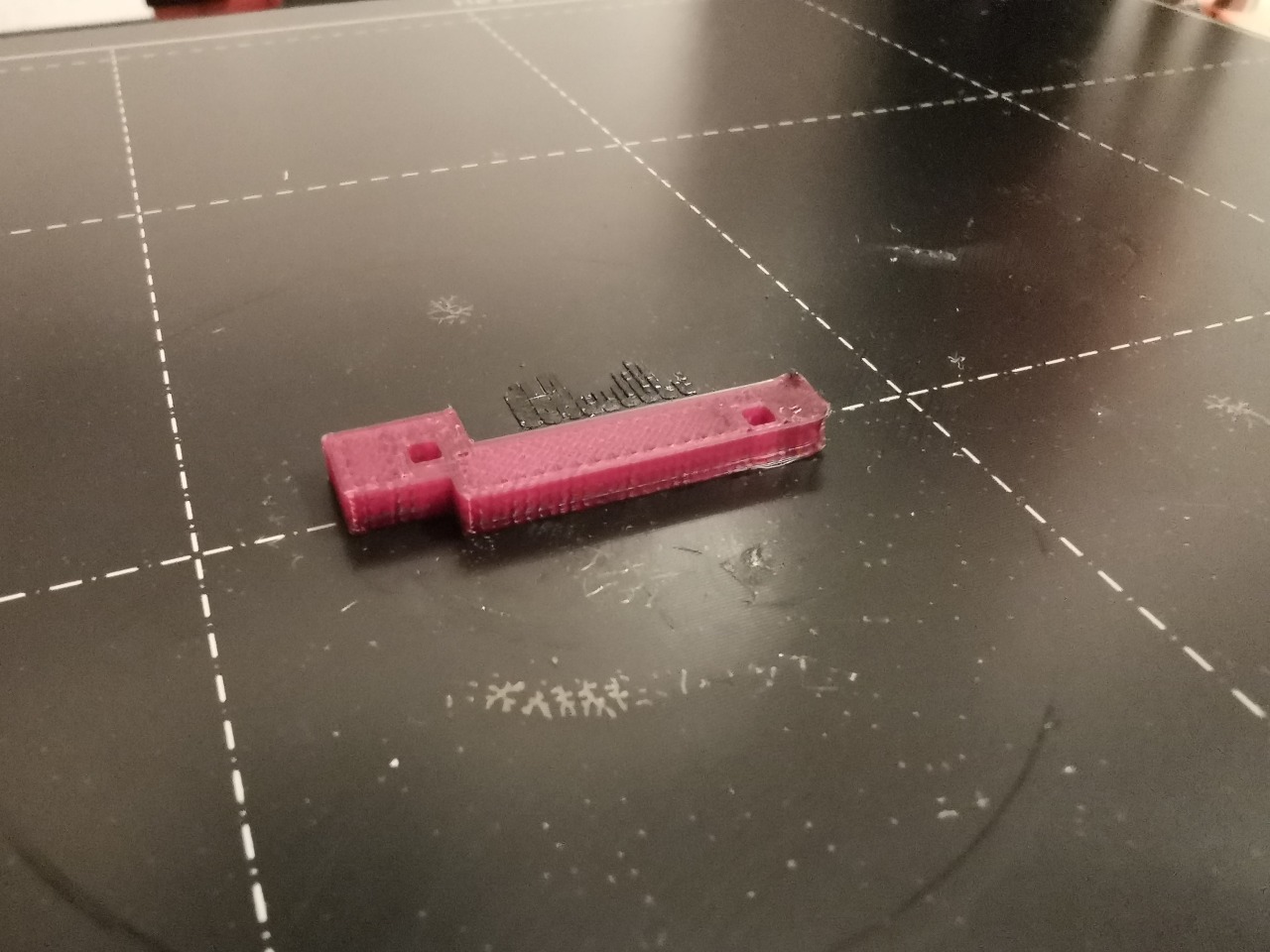
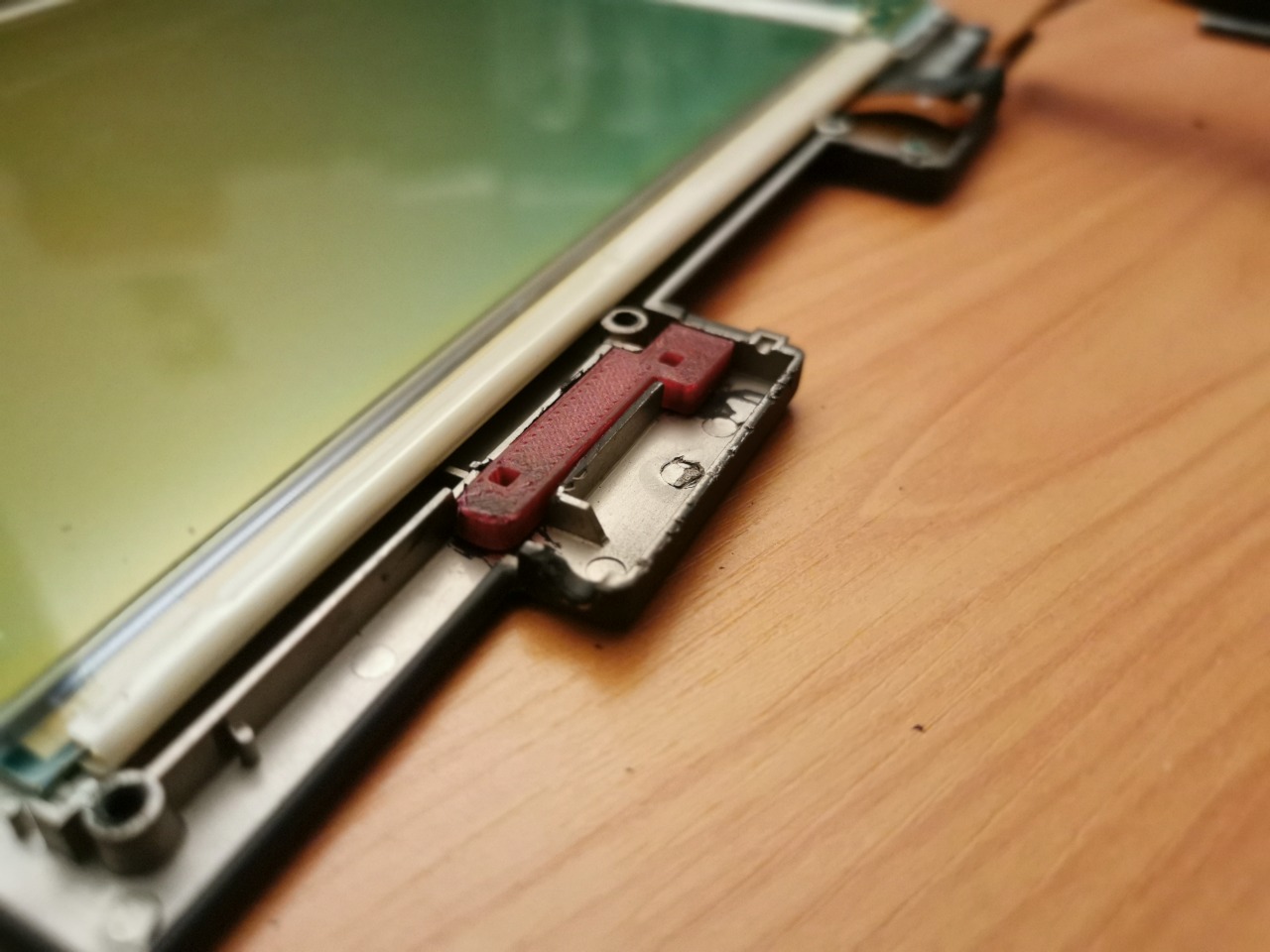
Recently, after three years, we gave the machine another chance. Disassembled it, booted and everything worked ok (except the HDD of course). After assembling it back? No sign of life… The issue was caused by too long legs on the new capacitor in the display board. The legs were sharp and went through the insulation layer on the (metalized) screen cover and shorted the capacitor (I know, shame on us…). Once we fixed this, we were able to put the machine back together and enjoy it. David also replaced cracked internal plastic parts using a 3D printer.

Now we have a trouble-free machine in a perfect shape with just one flaw – a faulty hard drive (and no floppy drive). However, that is not as big issue as one might think…

MS Flight Simulator 3.0 on Quaderno

  • by swarm
  • 2017-04-062021-05-15

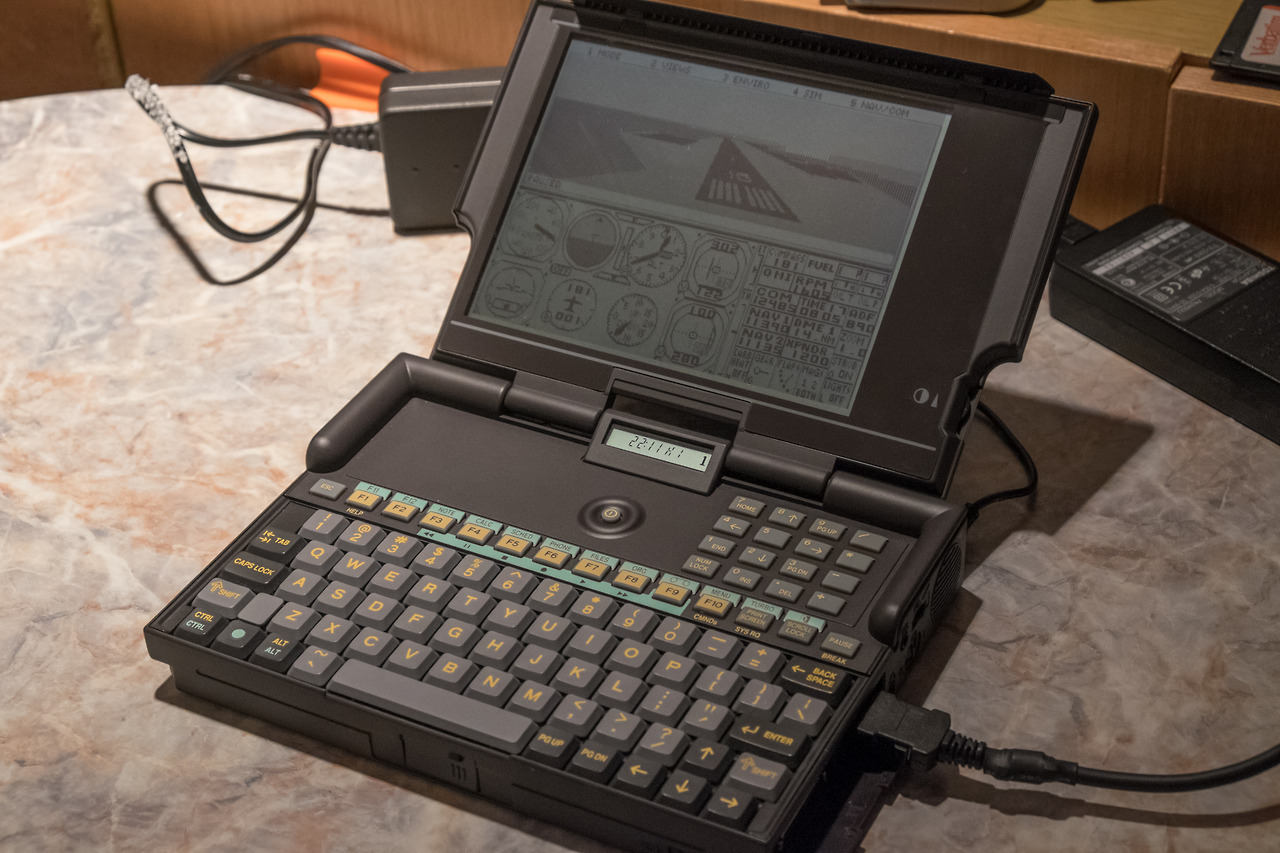
MS Flight Simulator 3.0 running on Olivetti Quaderno PT-XT-20. Although only XT-compatible, 16-MHz NEC V30 is five times faster than original PC with 4.7-MHz Intel 8088. This means that the game is perfectly playable on this machine.

The internal 20MB Conner hard-drive is defective and needs to be repaired. However I am able to share a hard drive from another computer over a provided null-modem serial cable thanks to somebody in Olivetti who decided to add interlnk.exe and intersvr.exe to the C: ROM drive.

Quaderno Resurrection

  • by swarm
  • 2017-04-032021-05-15

After several hours and twenty replaced capacitors this Olivetti XT-compatible sub-notebook is finally alive. Yay!

Olivetti Quaderno (PT-XT-20)

  • by swarm
  • 2017-03-212021-05-15

This little machine is a very interesting piece of engineering. It is an XT compatible (four times faster than original XT) and there is a standard 2,5” hard drive inside. Unfortunately it is hard to find any Quaderno in a working condition. Main problems are dead hard drives, bad capacitors and leaked batteries. I was given this one from an old guy who bought it new and had been using it for years in 90s. It was fully working when it was put in a box twenty years ago, but now we are unable to power it on and it looks completely dead.

We disassembled it to see what happened. The problem is probably in capacitors as there is some leakage around few of them. Backup battery was not leaked and fuses seem ok as well so I believe that we will manage to fix the unit.

Old laptops booting from PCMCIA

  • by swarm
  • 2020-11-082021-05-14

I recently mentioned PCMCIA linear memory cards (both SRAM and flash) that existed before PCMCIA controllers started to support IO devices and ATA. I used such an SRAM card in my Olivetti Quaderno subnotebook instead of its failed hard drive. Quaderno boots DOS from the internal ROM, loads a driver to support SRAM and allows using it as an additional drive. However, there were also laptops that supported booting from PCMCIA cards, and I am surprised that this feature was not uncommon.

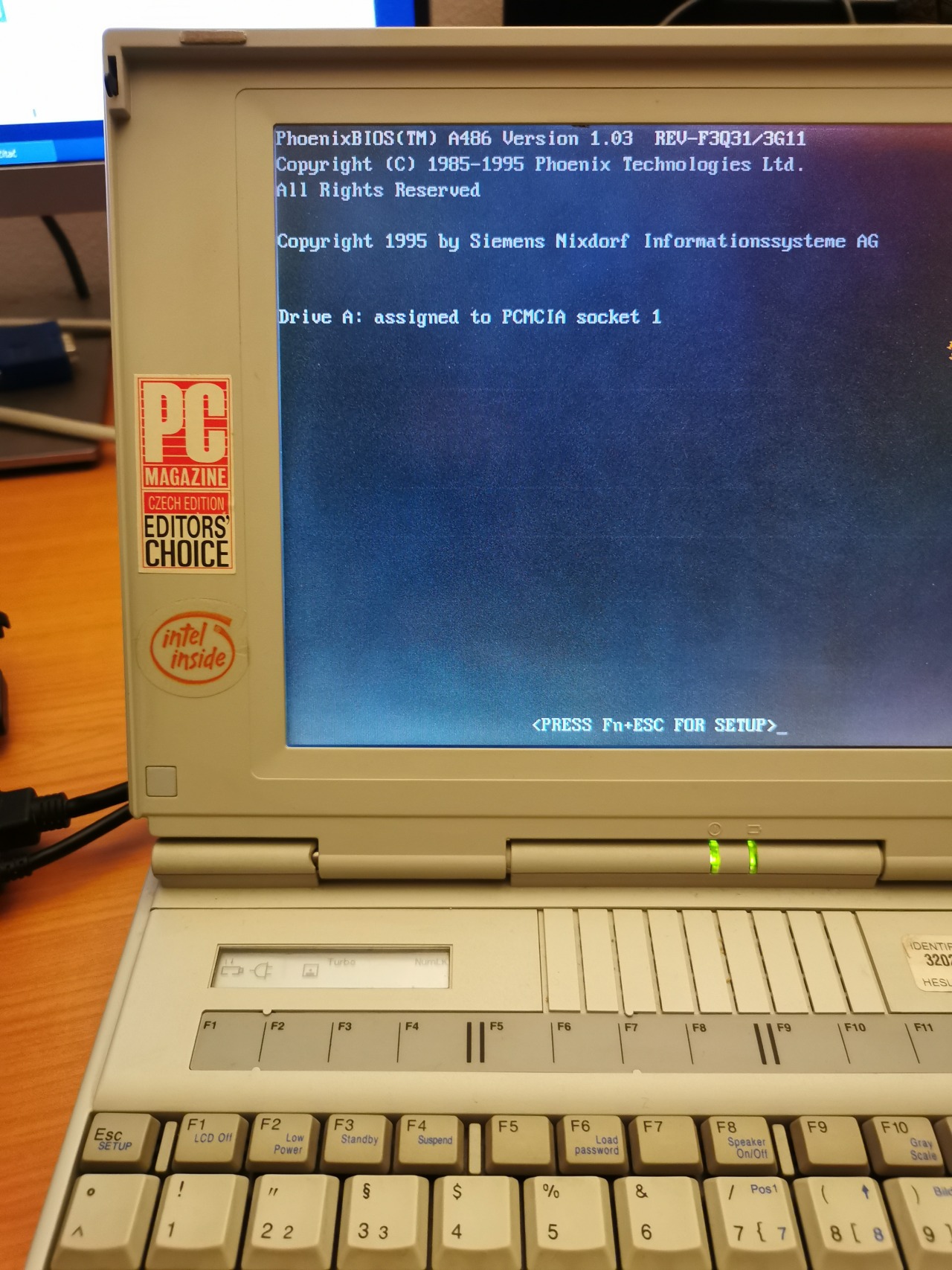
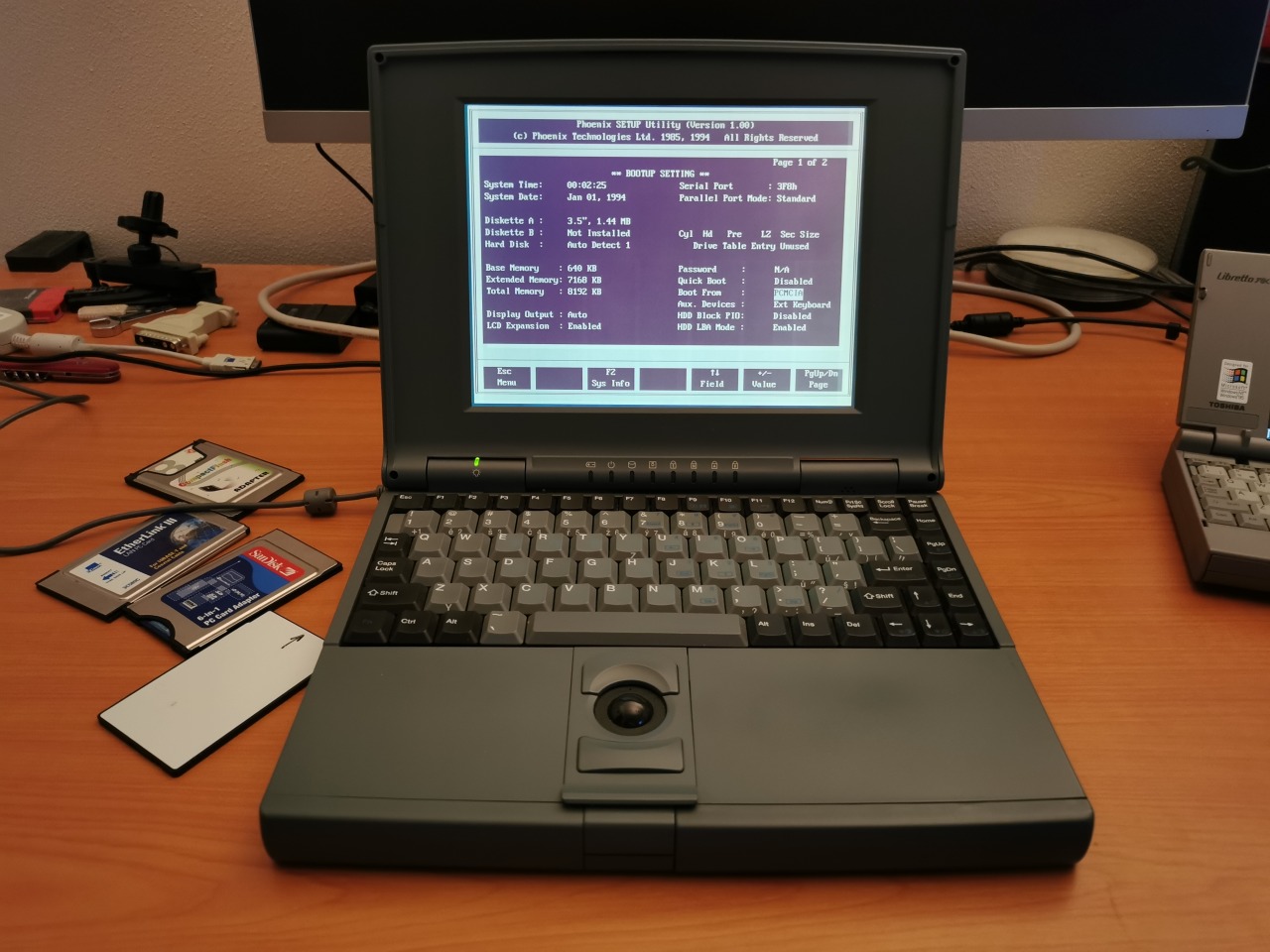
Certain 386/486 laptops with Phoenix BIOS have “PCMCIA” in the boot device list (in addition to “hard drive” and “floppy drive”). These support just linear
flash/SRAM cards and let you boot DOS out of the card mapped as A:. Everything works just fine and you don’t need to load any PCMCIA driver. ATA PCMCIA and CompactFlash drives are not supported here – they are ignored by the BIOS module.

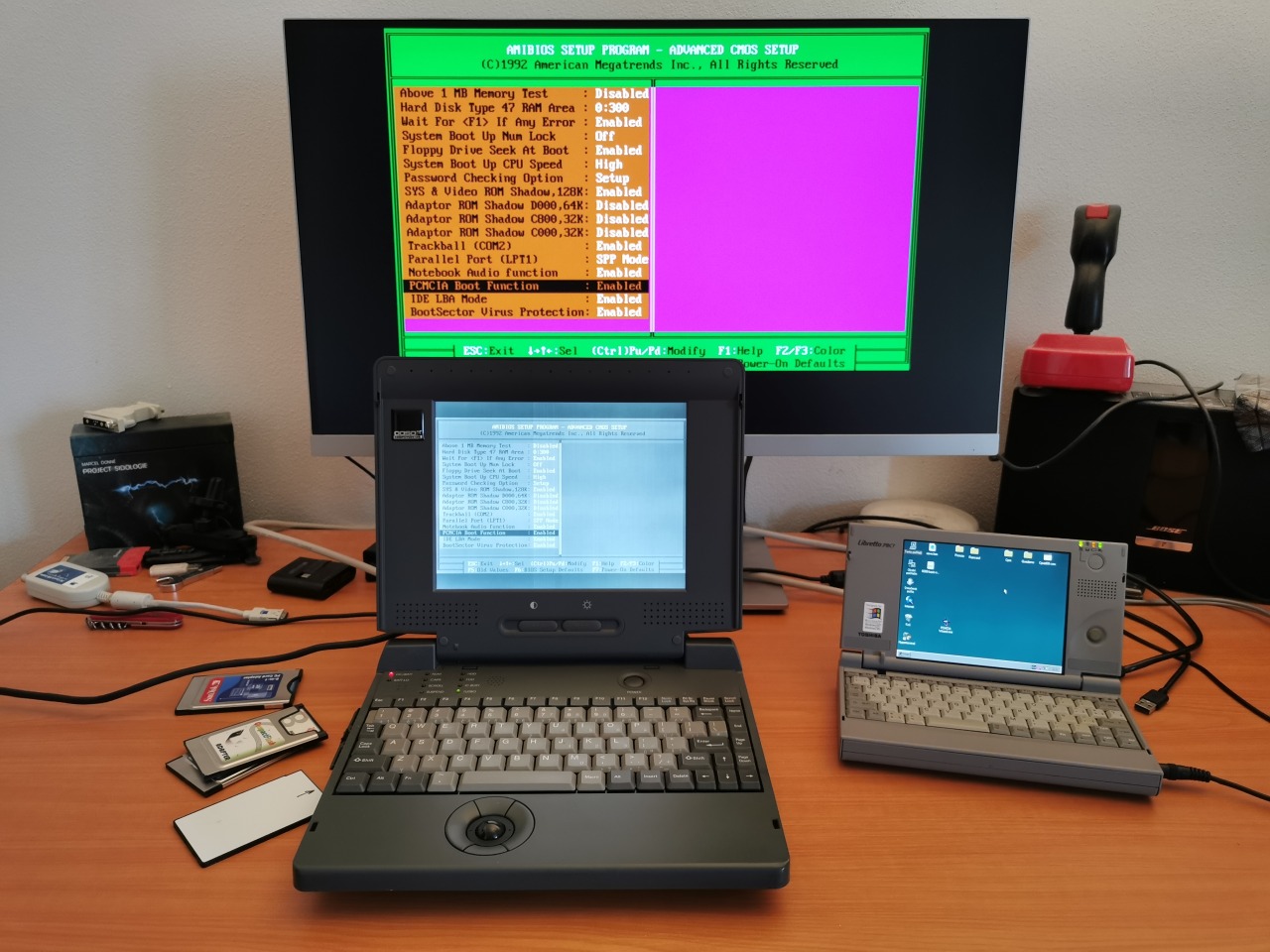
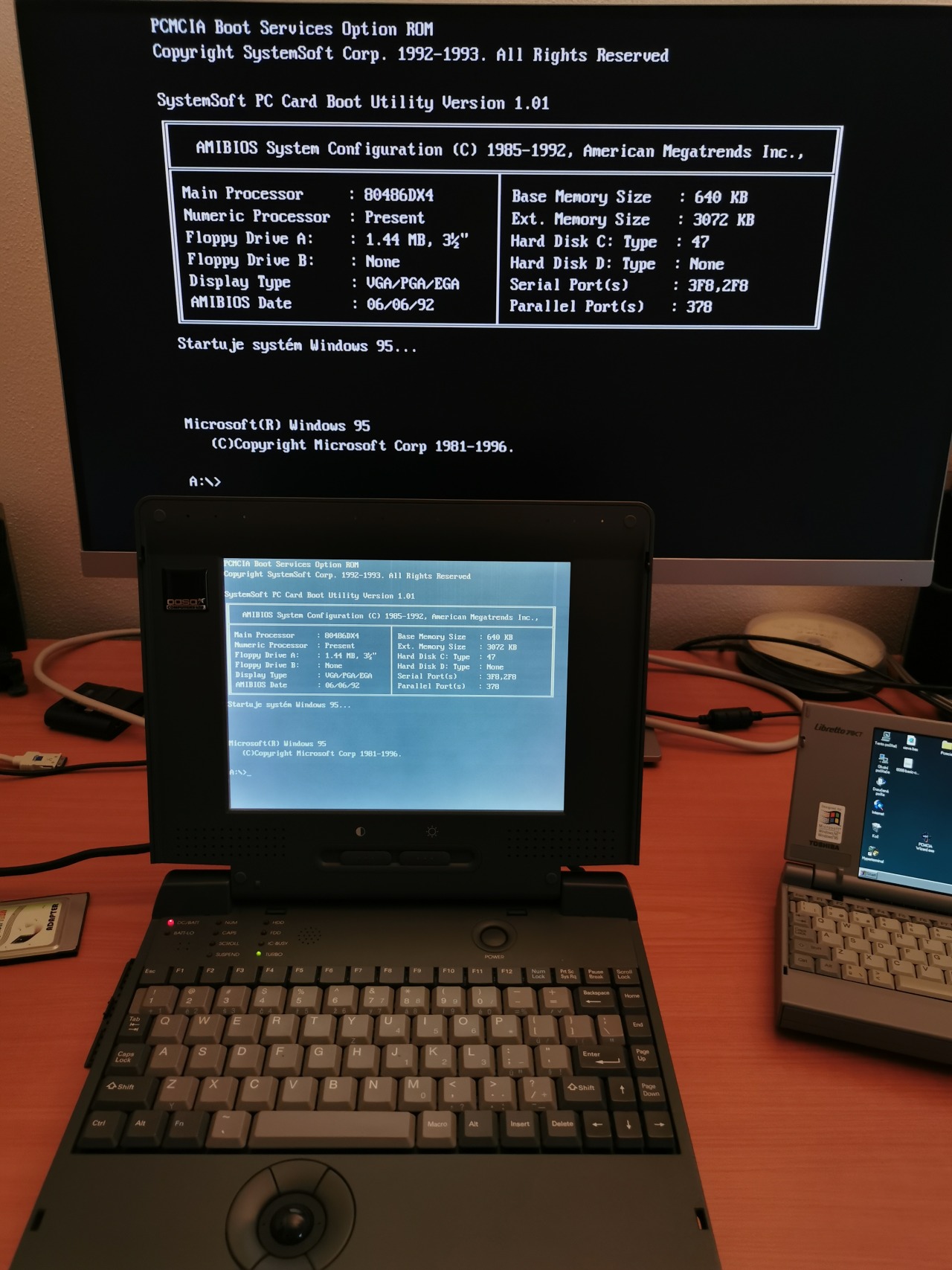
The laptop with AMI BIOS could have an optional “PCMCIA Boot Function” module. Once it was enabled and a card was inserted, the system booted from PCMCIA and mapped the card again as A:. However, the support was flaky – just good enough to load a proper PCMCIA driver during OS boot.

Laptops from large brands (like Toshiba) mostly didn’t support this feature. ThinkPads were an exception (486 and maybe also early Pentium ones). According to some owners, they even supported booting from ATA/CF cards. However, ThinkPads as well as the laptops with Phoenix and AMI software did not provide a driver-less access to PCMCIA cards if a user booted from a different device. It seems that there is only one known laptop that supported this – MiTAC 4022.

PCMCIA 1.0, SRAM and linear flash cards

  • by swarm
  • 2020-09-212021-05-14

Although mounting remote HDDs over a serial cable to my Olivetti Quaderno was a nice solution, it was not very fast. I wanted to add persistent storage using a PCMCIA card, but Quaderno has just PCMCIA 1.0. I used to work a lot with PCMCIA, but it was always the newer standard (2.0) typical for 386/486 laptops. PCMCIA 1.0 does not support IO devices (so no ethernet cards) or CompactFlash cards (as they are IO cards in the ATA mode). PCMCIA 1.0 can work only with linear memory mapped cards. For linear flash cards, there were two incompatible standards (FTL and MS FFS). SRAM cards had just a single standard. In addition to all of this, simpler devices (industrial, embedded) required attribute memory on the card in order to work at all (fortunately, this laptop supports full Card Services and does not need it).

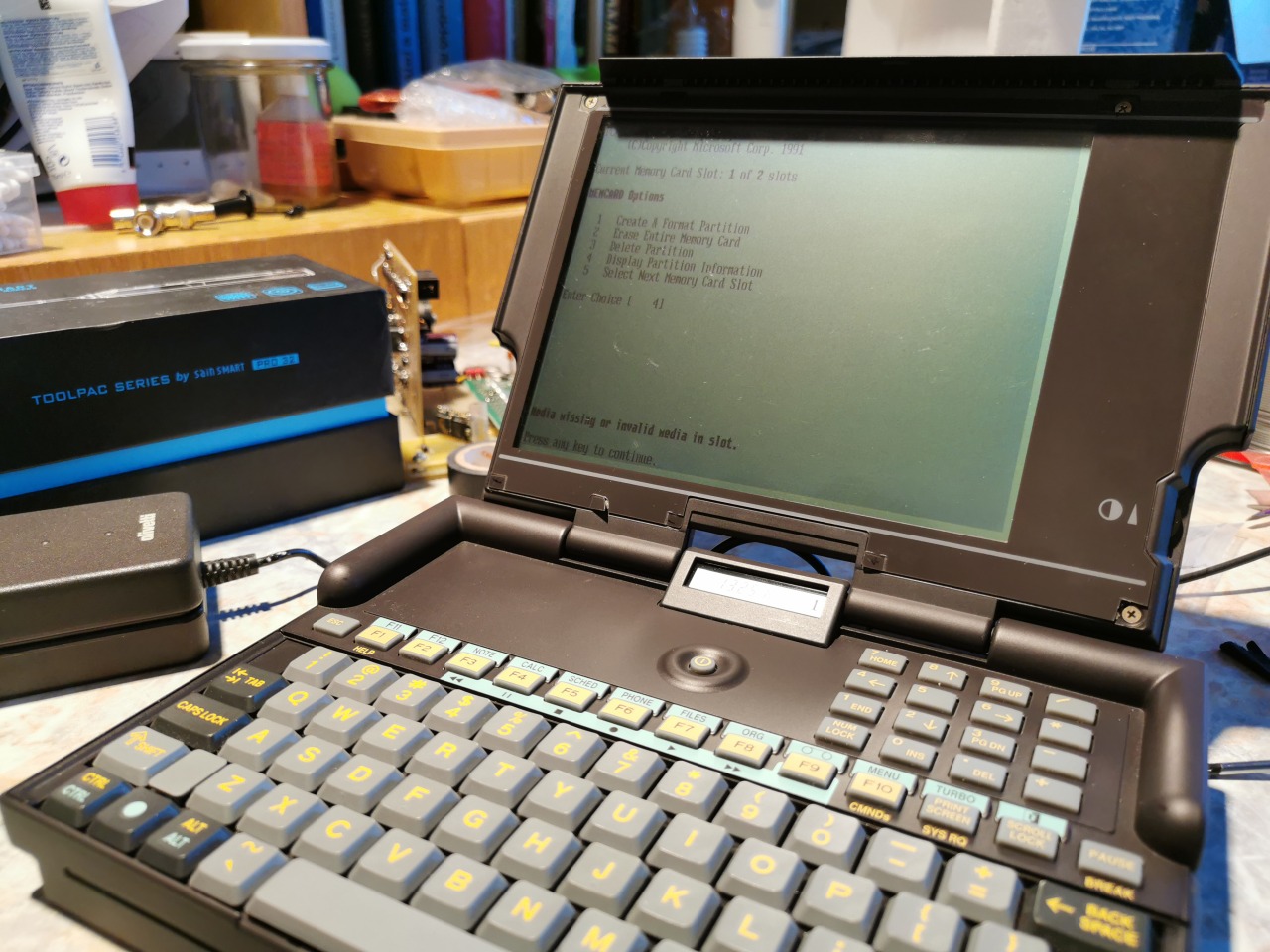
I took a 4MB PCMCIA SRAM expansion from my Amiga 600 and put it in Quaderno. The ROMDOS drive contains a Microsoft program called MEMCARD.exe (very similar to FDISK.exe, but for early PCMCIA cards), so I used it to format the card, rebooted the machine and got 4MB of persistent storage (the SRAM card has a battery to retain the data even after removing the card from the computer).

These early PCMCIA cards don’t work in Windows out of the box. However, there is already a DOS driver included in Windows 9x. You just need to add two lines in the config.sys and you can use the SRAM card in a “more modern vintage computer” (it still allows you to use the slot with other cards and use hot-plug features). Btw these direct mapped SRAM cards have one big advantage – they are super-fast.

I know it’s almost 30 years late, but I finally understood, how these old PCMCIA devices work…

Double CGA Display in Olivetti Quadero

  • by swarm
  • 2017-04-162021-05-15

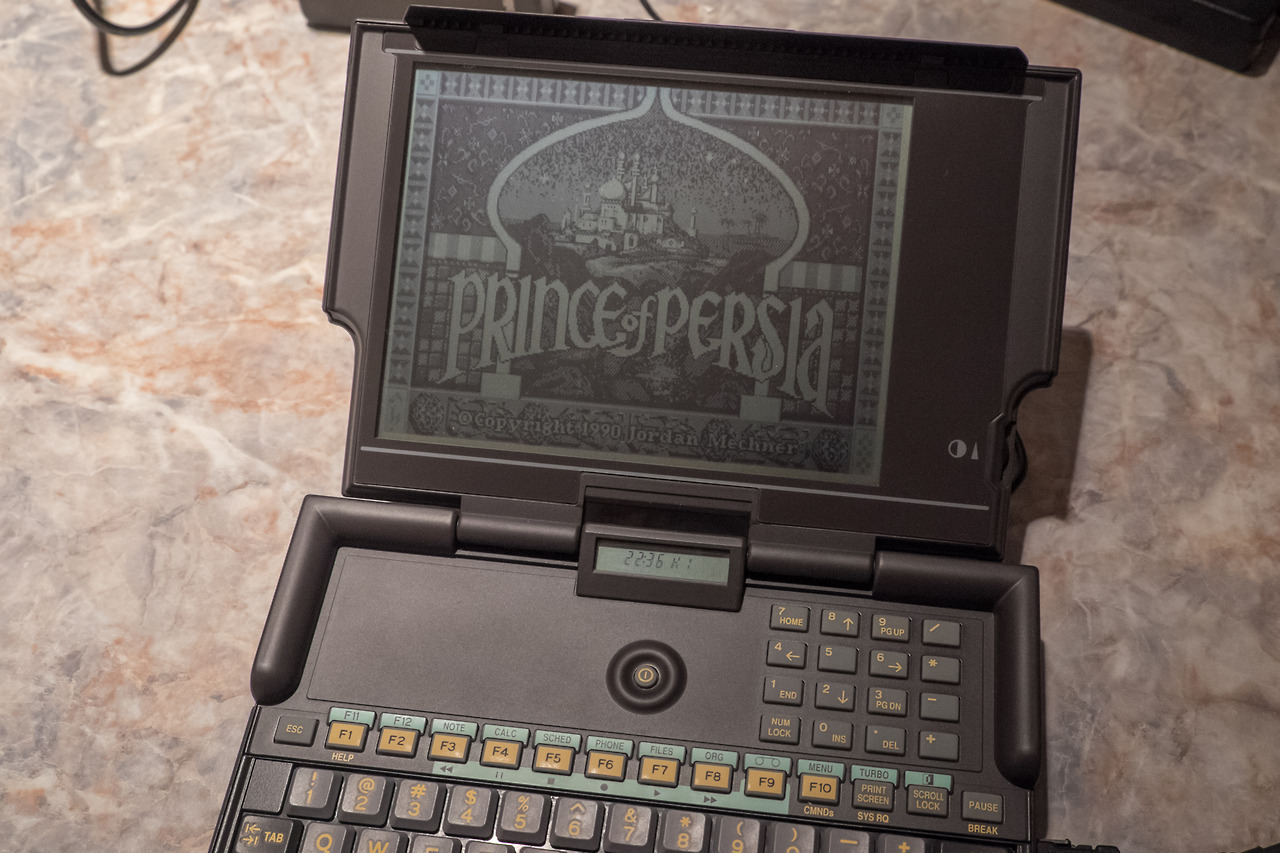
Although 640×400 (“double CGA”) LCD screens usually could display only “black” and “white” (so the 320×200 4-color mode was handled using multiple 2×2 1-bit patterns) this was an exception. The screen on Olivetti Quaderno can display four shades of grey with a good contrast. It reminds me playing games on old Game Boy handhelds…

Recent Posts

  • Let’s look at something unusual again…
  • My big disappointment with the BeBox, a computer designed by former Apple executive Jean-Louis Gassée
  • Finally, there is a proper computer to run Windows!

Recent Comments

  • kelly on Playing with TIGA #3 – TIGA libraries and drivers
  • Sebastian on ATI Graphics Solution rev 3 and monochrome ADI DM-14 (1985-6)
  • swarm on Phase5 CyberVision 64/3D (1996)
  • Harvey on Phase5 CyberVision 64/3D (1996)
  • Yong on SGI IrisVision add-in 3D accelerator for PC (1990)

About This Site

An on-line notepad for all my projects, findings and thoughts about vintage computers and technologies. I am particularly interested in uncommon devices, UNIX workstations, quirky portables, and everything about early 2D/3D graphics acceleration. The site was created out of necessity of having a single place for more complex topics that are not suitable for today’s image oriented platforms like Tumblr and Instagram. The content will expand over time.

My Tumblr blogs:

  • 80-90s Computing
  • SGI Hardware

Admin & RSS

  • Log in
  • Entries feed
  • Comments feed
  • WordPress.org

Navigation

  • 2D/3D
    • S3 ViRGE (325/VX/DX/GX/GX2) series of early 3D accelerators (deep dive)
    • NT4 OpenGL Mini-Client Driver Model, Matrox Millennium I/II and ATI Rage II/Pro
    • SGI IrisVision add-in 3D accelerator for PC (1990)
    • Windows 3.x 16-color palette driver and SimCity 2000 without SVGA
  • Computers
    • Toshiba Libretto 70CT (1997)
    • Toshiba T3200SX (1989)
    • Toshiba T1200XE (1990)
  • Benchmarking
    • Sieve Benchmark
    • GPUbench (under construction)
  • Blog
  • Contact

Copyright © 2021 Jiří Zima