This machine is a strange combination of a rare, interesting, yet valueless system. It is a child of the RISC battle with x86 CPUs in the mid-1990s. It is directly based on a PReP (PowerPC Reference Platform) system architecture that was developed and published in 1994. The purpose of PReP was to allow hardware vendors to build compatible PowerPC-based computers with the intention to run a wide variety of standard operating systems – the initial plan was to support Windows NT, Solaris, OS/2, Taligent and AIX. Not all operating systems (or their PowerPC versions) got into the release state though.
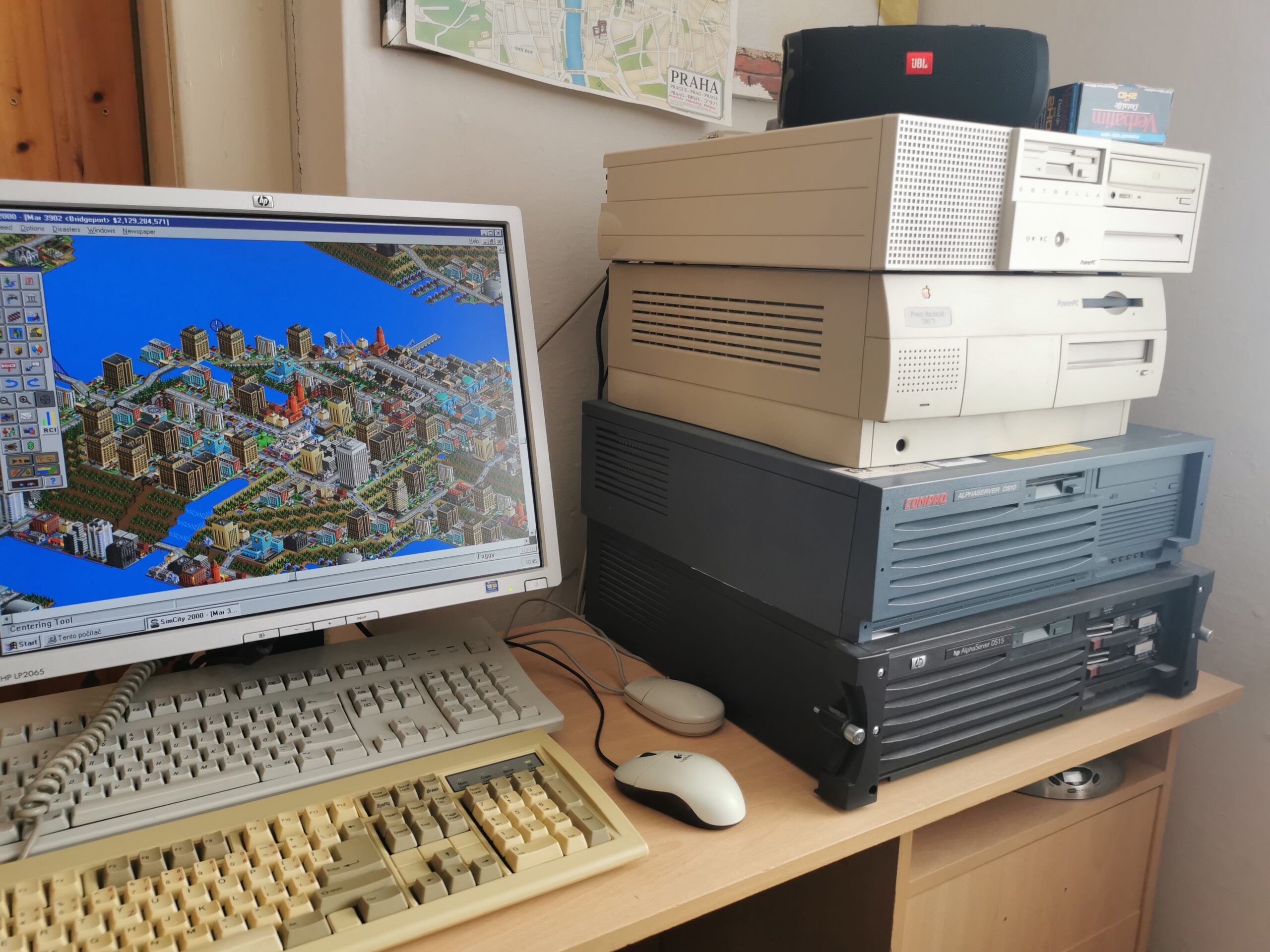
Groupe Bull is a French computer company that sold computers since the 1960s. In the modern history, it is better known for its large supercomputer installations (some went through the TOP500 supercomputer list). In a certain period of time, Bull sold hardware to run IBM AIX (IBM’s version of UNIX). It was mostly about rebranded machines from IBM and Motorola. Bull was sort of the main European reseller of POWER/PowerPC hardware.
This is also the case of Bull Estrella DT603-66 which is basically a slightly modified Motorola PowerStack DT603-66. Mainboard, firmware and even the metal parts of the case are identical to the PowerStack original. The only difference is in the design of the plastic front part of the case. Bull offered also other PowerStack models with the same recipe (just different visual) but this is an entry-level machine from the bottom of the PowerStack family. Compared to higher-end machines, it is also the smallest one (not so much space for storage options and expansion ISA/PCI cards).
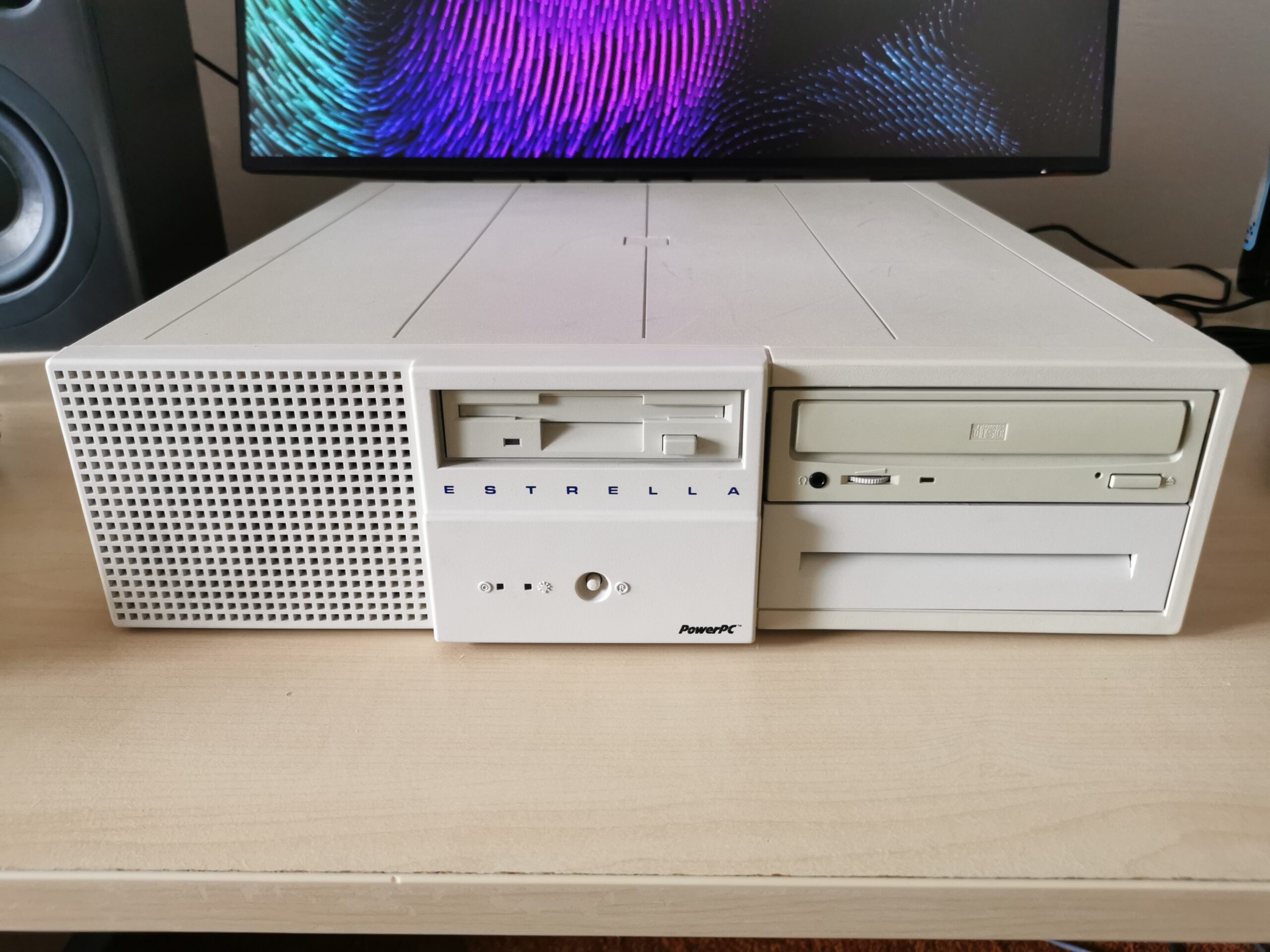
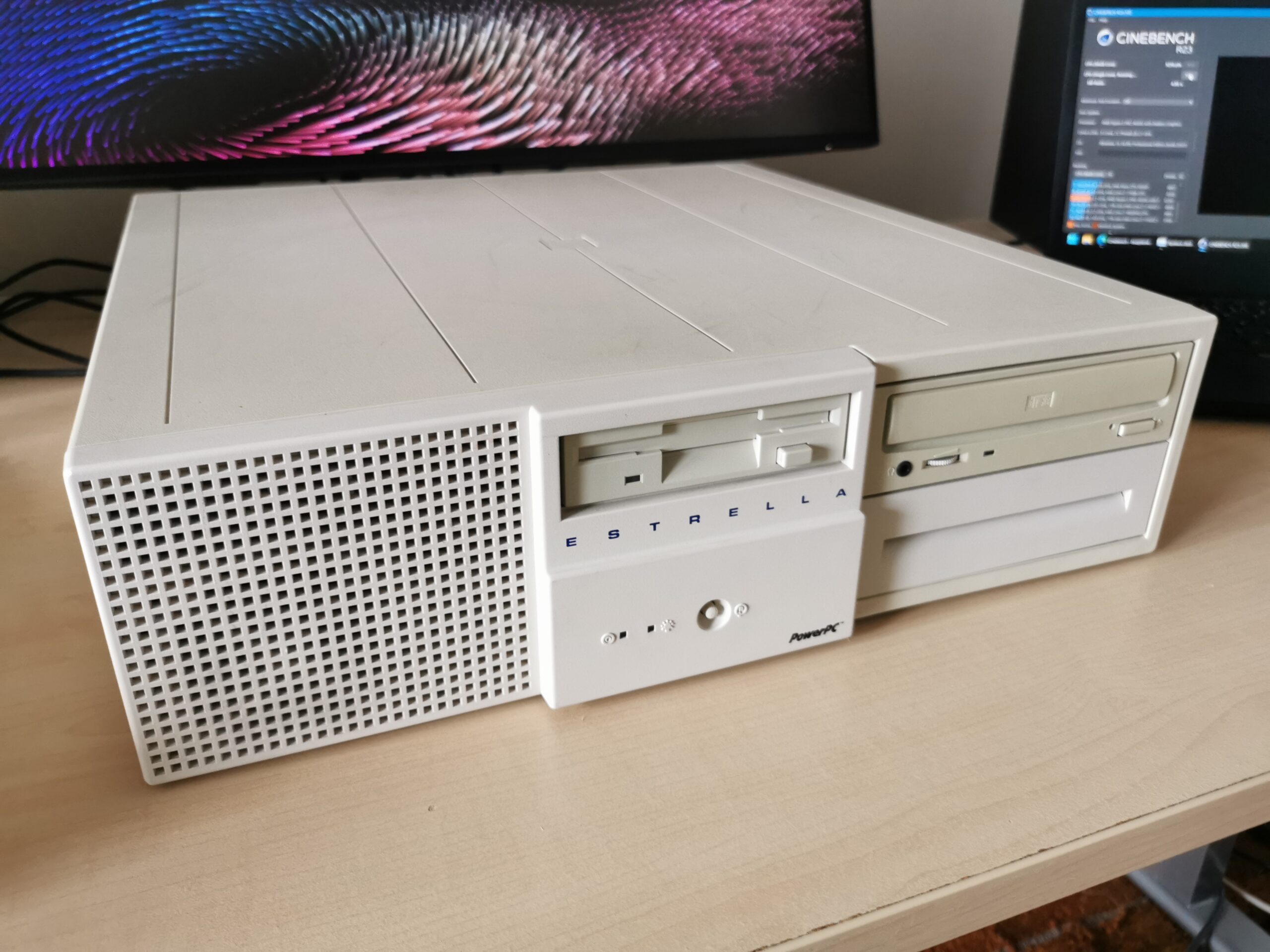
Motorola PowerStack DT603-66 was announced along with other family members in October 1994 and represented the entry model of the lineup. The list price was set to $3,295 for a basic configuration with a 66-MHz PowerPC 603 (without a 256-KB L2 cache module installed), 16MB RAM, double-speed SCSI CD-ROM, on-board PCI video with 1MB of video memory, built-in sound and network support and no hard drive (allowing diskless AIX operation). A properly configured machine (with more RAM and a hard drive), even this small one with just the PowerPC 603, usually cost at least $5,000.
A PC-like design
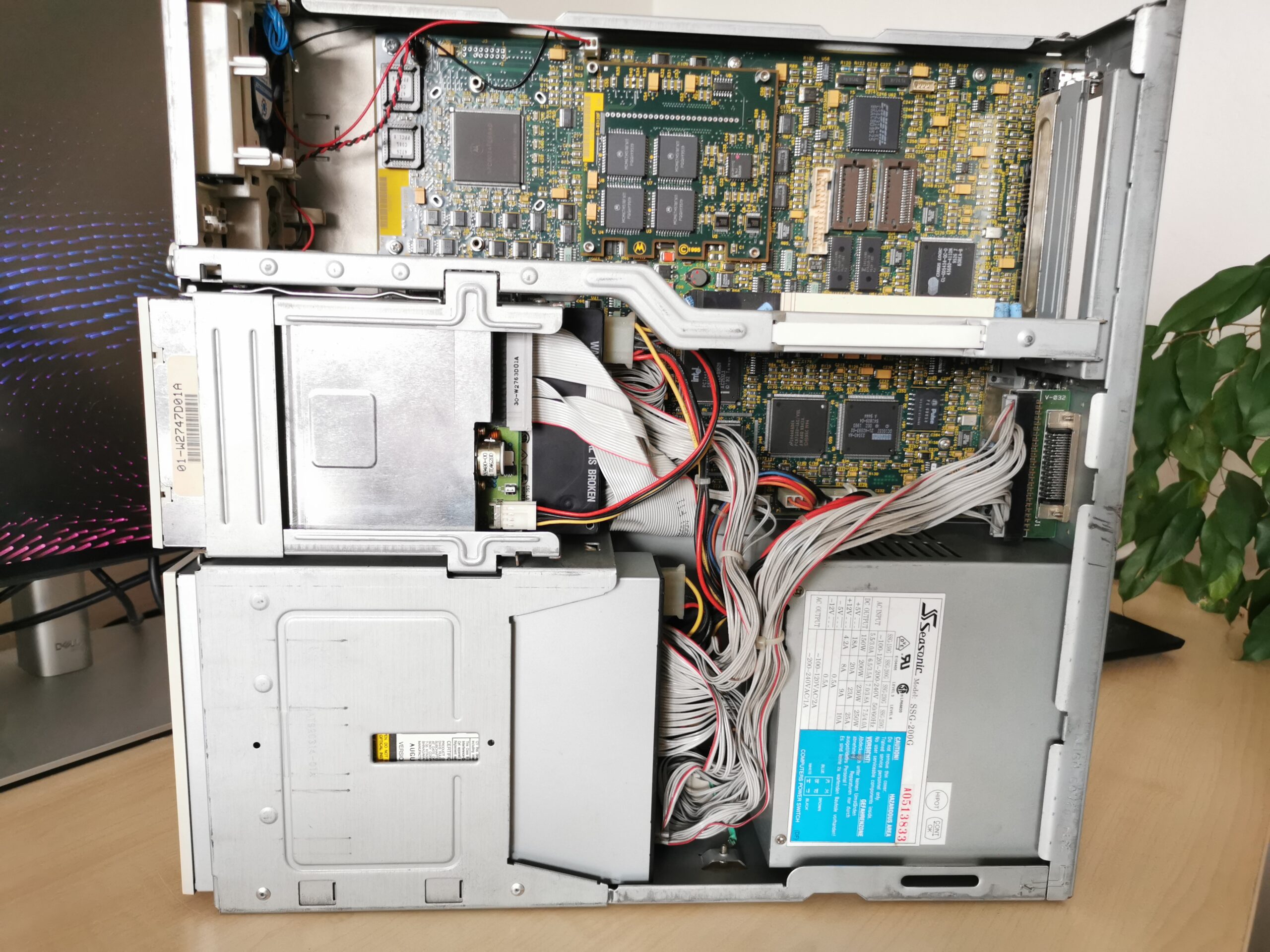
Unlike the server model (E) which is truly stackable, mini-tower (MT) and desktop (DT) models look like regular PCs with x86 CPUs. As the DT603-66 is the smallest of them all, it is limited in the expansion possibilities of both internal storage devices and PCI/ISA cards (slots are provided by a riser, so the same mainboard can be used in larger models). It is taller than typical “pizza box workstations” but only so much to allow two 5.25” bays placed on top of each other where one is already occupied with the SCSI CD-ROM optical drive. Next to it, there are two 3.5” bays where only one is externally accessible (already occupied by a 3.5” diskette drive). The other one is ready for an SCSI hard disk drive which is present in this unit (1-GB model). Left part of the front side has a large vent with a fan and a small speaker.
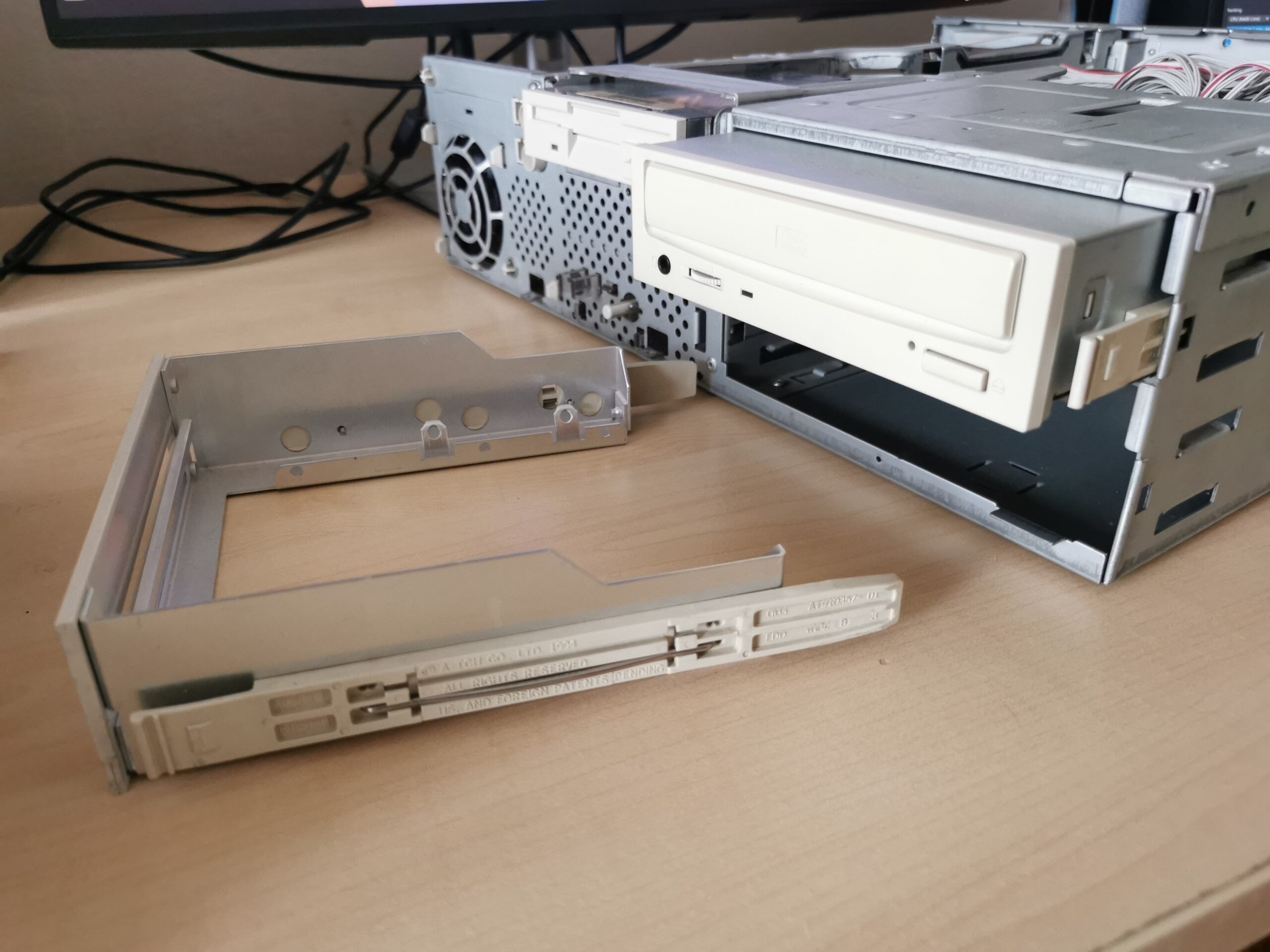
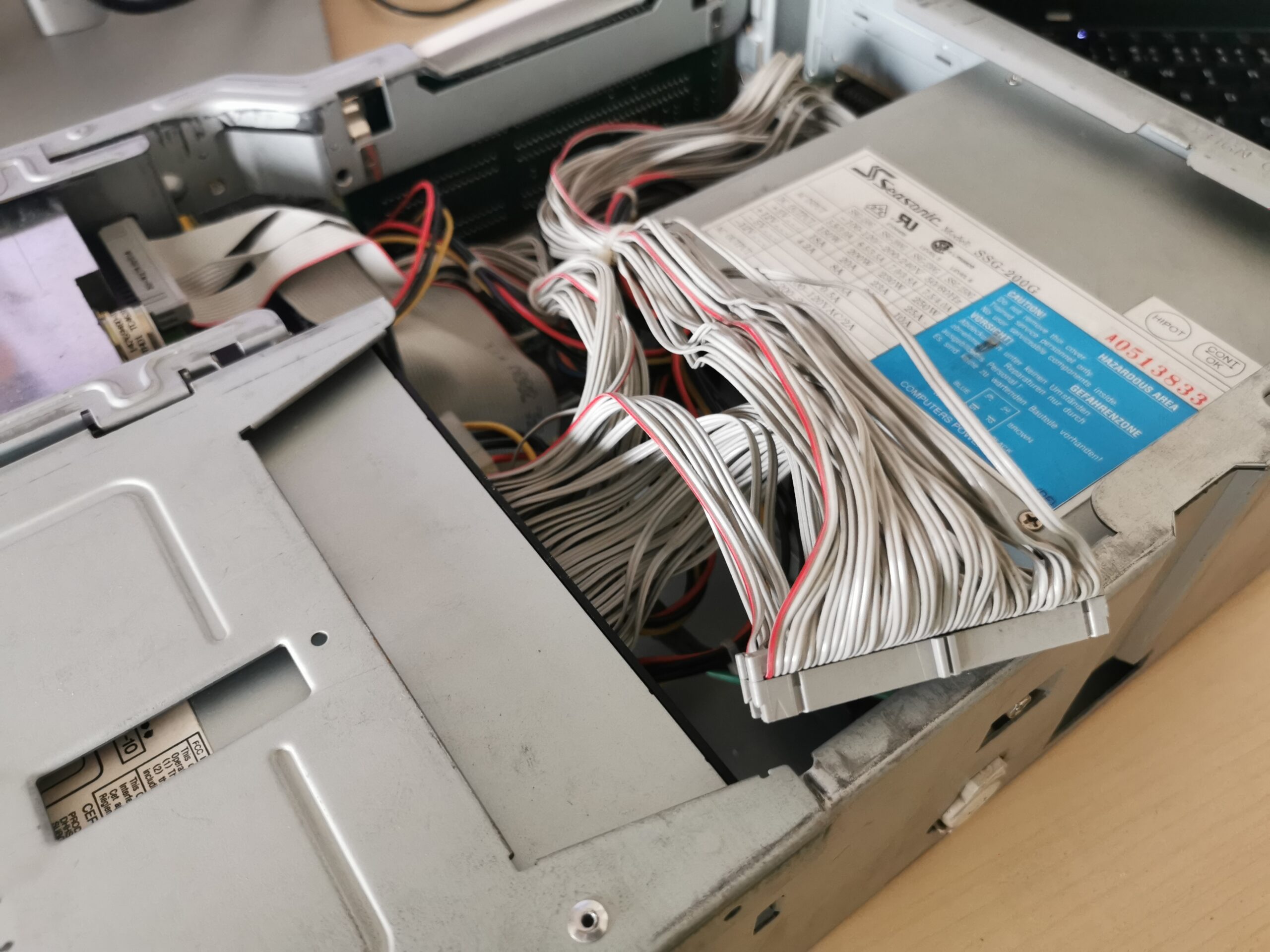
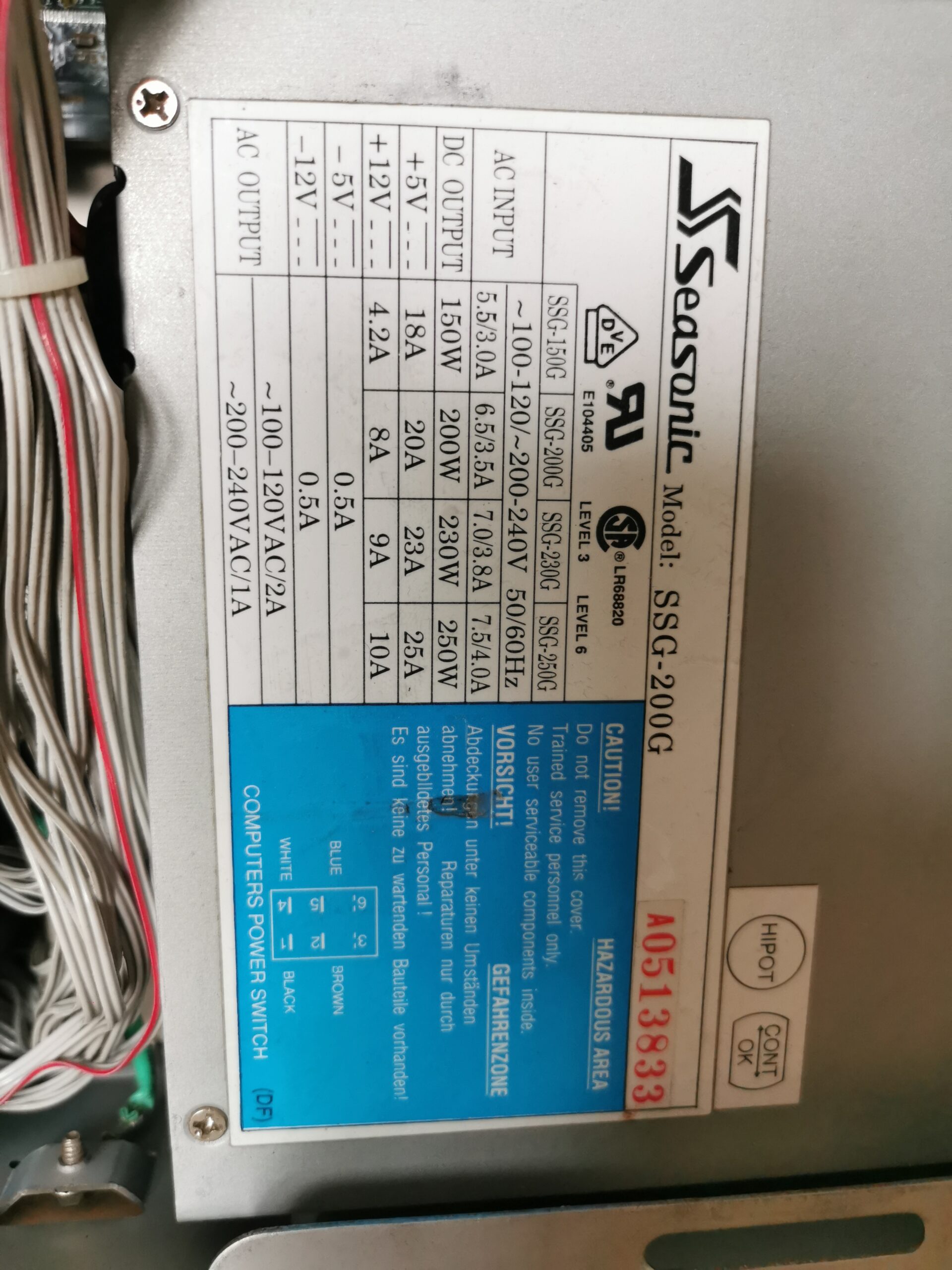
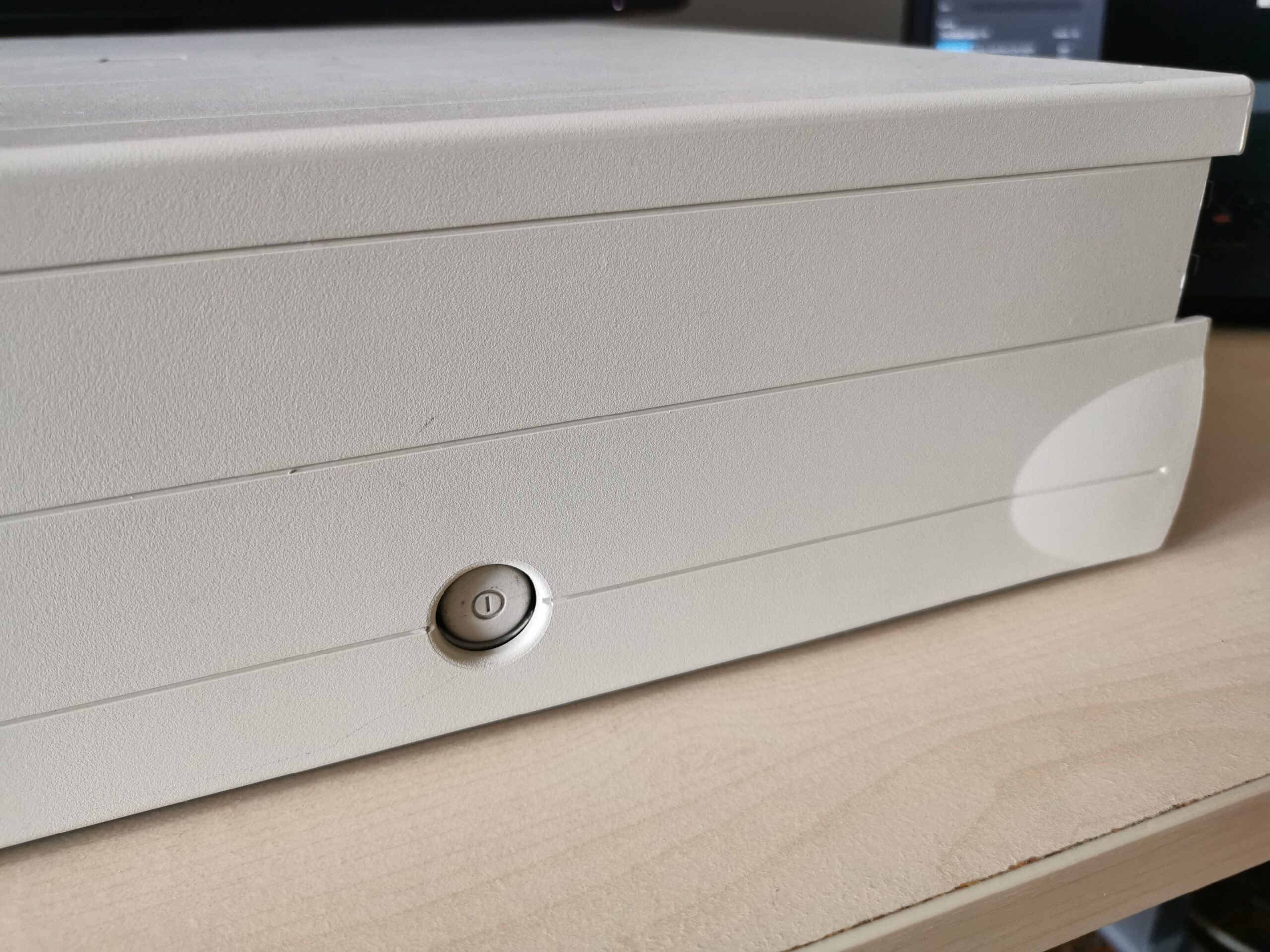
There is only a reset button in the front, and it is sunken a bit so you cannot press it accidentally. To my surprise, the power button is on the right side next to the power supply. It is not a microswitch and behaves like on older AT cases. As a result, there is no soft shutdown – this feature is missing on all members of the PowerStack family even though there were x86 PCs already supporting it at that time.
Standard set of interfaces
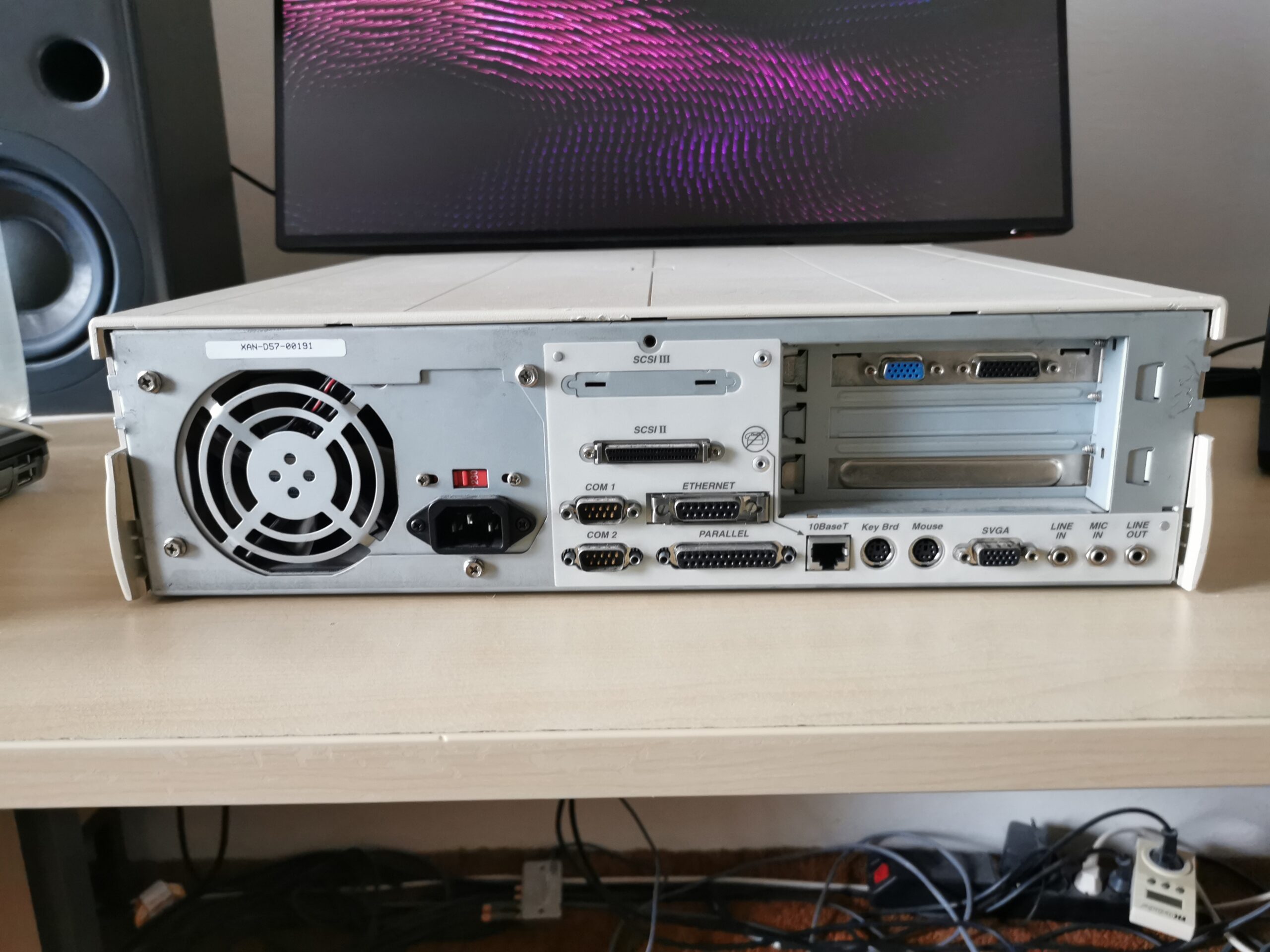
The rear side of the case sports typical ports from PCs, so you can use the computer with generic (cheap) peripherals. The most important is that there is a standard VGA analog output that works with separate V-sync and H-sync signals so basically any PC CRT will work with this computer (including the most basic ones). There are two PS/2 ports (for a keyboard and a mouse) and the built-in 10Mb/s Ethernet controller can be used directly with the on-board 10Base-T RJ-45 port or with an external transceiver connected to a standard AUI interface.
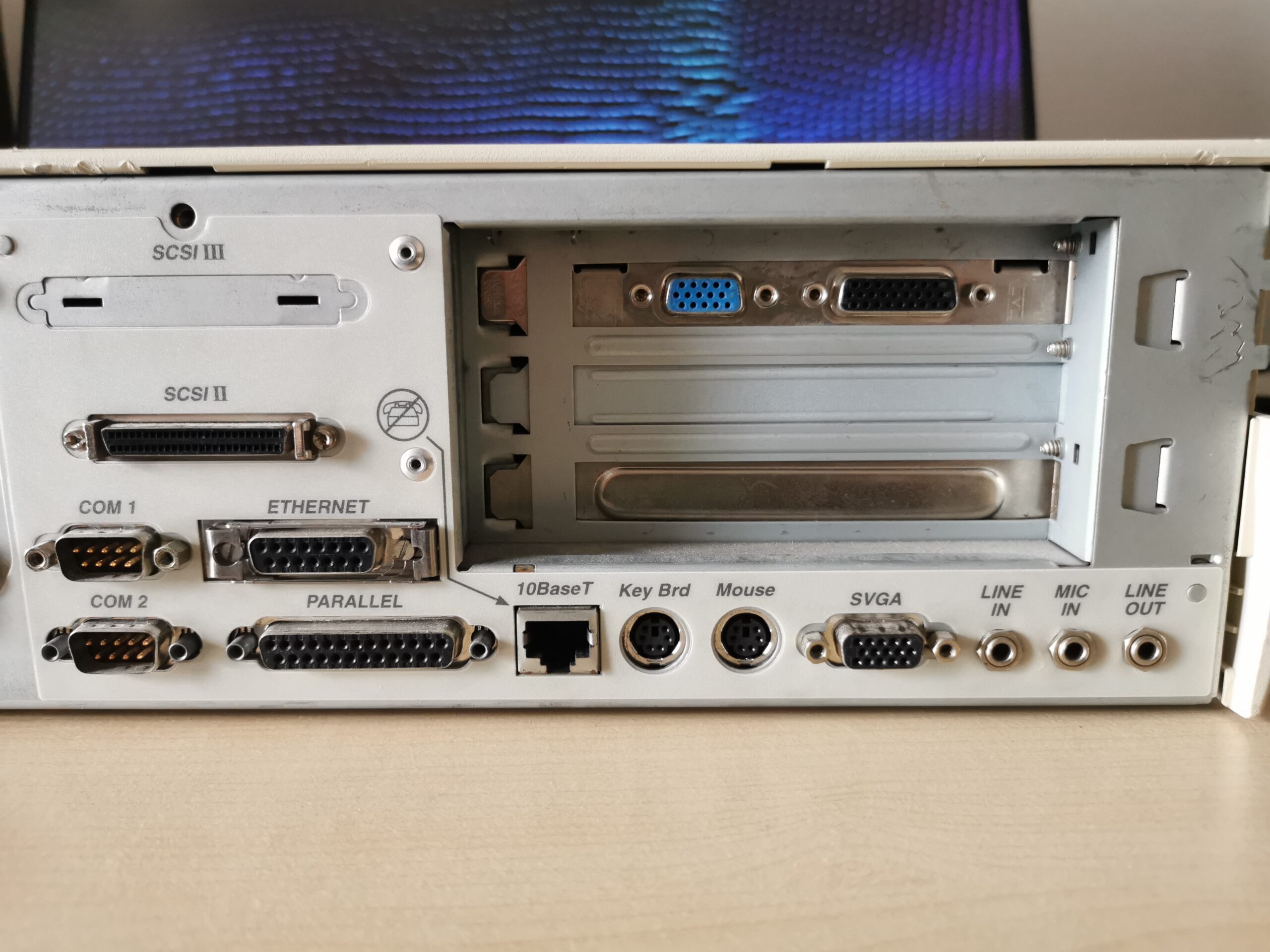
Aside three audio jacks, two DB9 serial ports and a parallel port, there is also a SCSI interface. That is the only port that is not present on common PCs of the era. The built-in SCSI controller has a single internal cable going from the mainboard to the hard drive and CD-ROM and then ending up in an external SCSI port on the rear of the case. Professional workstation usually had a separate SCSI controller for the external devices but this is an entry-level machine after all.
PowerPC Reference Platform
The hardware inside is similar to other PowerStack models of the first generation and even to other machines designed to run Windows NT on PowerPC – including IBM’s own. They are all based on the PowerPC Reference Platform, so the hardware variability is nowhere near the machines from the PC/x86 world.
Unlike with MIPS workstations for Windows NT where the default graphics chip did not even have VGA support (and assumed fixed-sync monitors, so the resolution was set in firmware), PowerPC workstations were designed more around PC commodity hardware. The graphics chips offered for the platform were mostly VGA compatible.
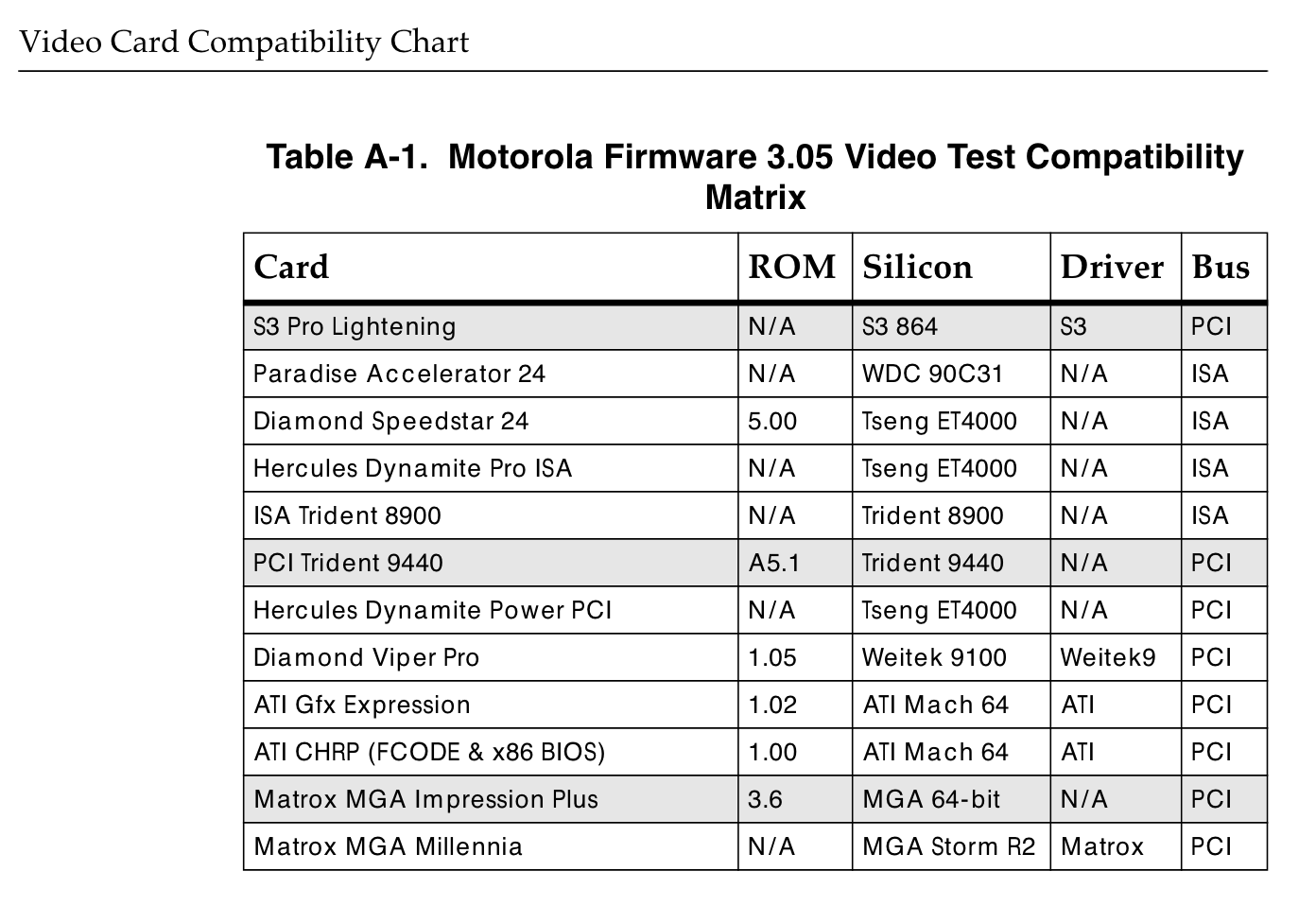
The typical graphics chips for PowerPC machines (excluding Macs) are Cirrus-Logic CL-GD543x (the basic option for PowerStack machines), various S3 models, Western Digital WD90C24A2 (PowerPC-based IBM ThinkPads), Weitek P9100 (IBM workstations), Matrox Millenium PCI (a performance option for PowerStack machines) and later also ATI Mach 64. These have also direct support built in the PowerPC ARC firmware but basically any ISA/PCI VGA-compatible graphics card for PC should work there as the firmware has an integrated 486 CPU emulator and can run the option BIOS ROM code from a card (in order to initialise it).
Bull Estrella DT603-66 has its PCI video chip integrated on mainboard. It is a Cirrus-Logic GD-5434 which is the same chip you can find also in the hi-end PowerStack E server model where it is in the form a standard PCI add-on card. That card differs from the PC version only in the lack of the option ROM BIOS in the socket (still present on the PCB). It is a 64-bit chip with 2D (BitBlt) and simple video overlay acceleration.
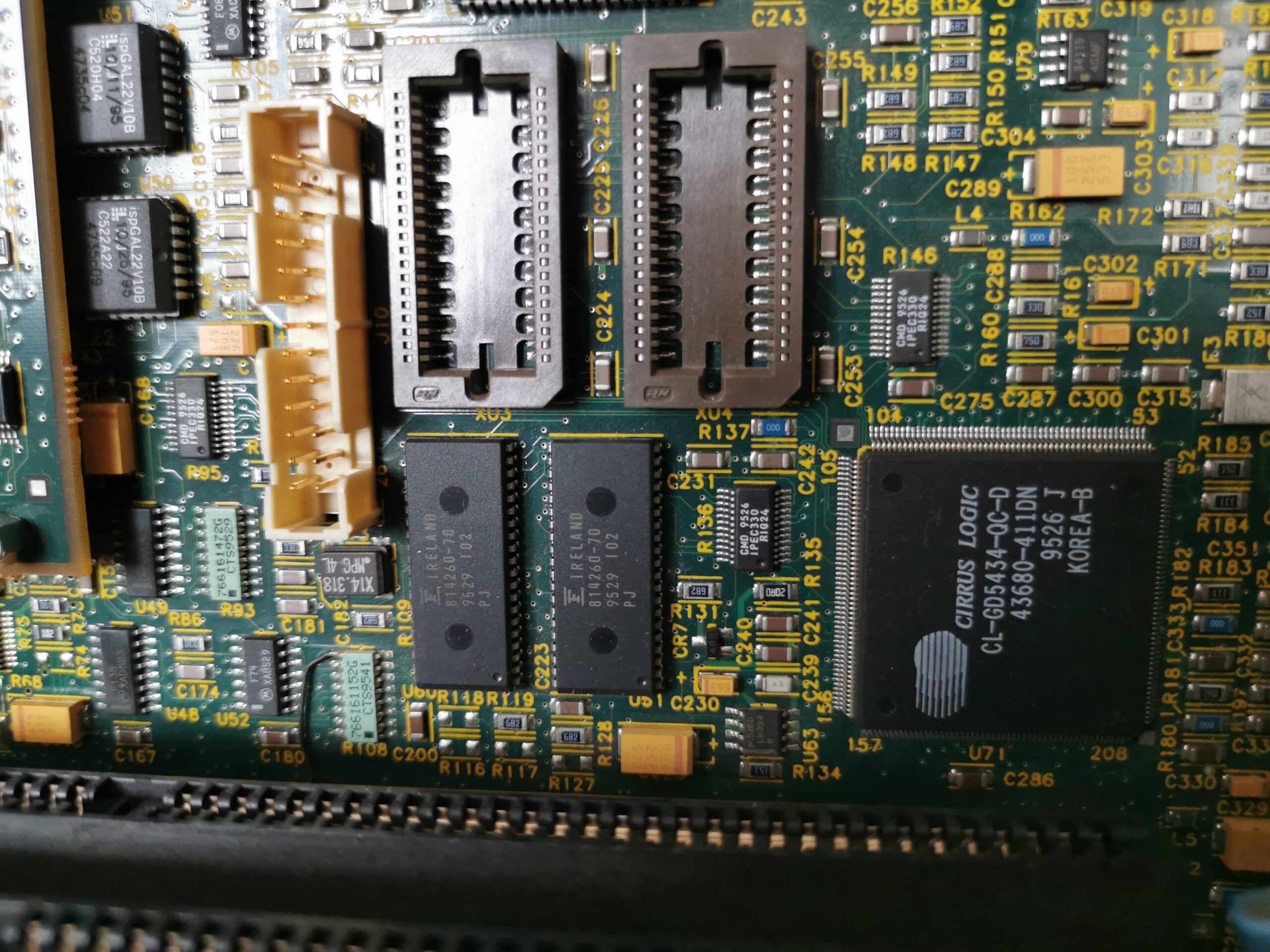
In general, it supports up to 4MB of dedicated 64-bit memory but the on-board version has just two 512-KB (16-bit) chips soldered on mainboard with the possibility to add two more to the empty sockets. As a result, the chip is paired with 1MB of memory with 32-bit access, which can be upgraded to 2MB with 64-bit access. This means that upgrading the memory not only allows higher resolution or higher color depths in current resolutions, but it also boosts the graphics performance of the machine.
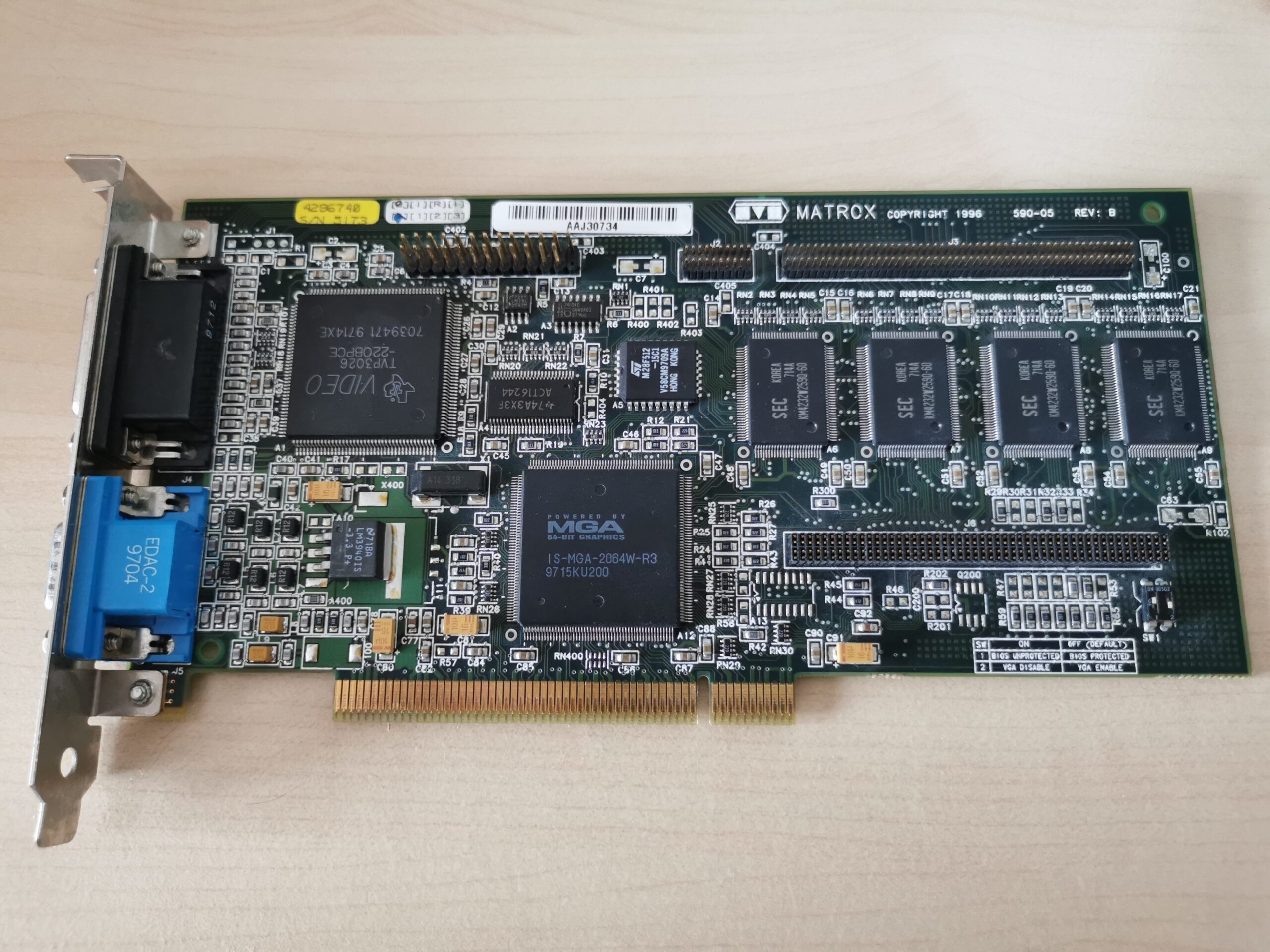
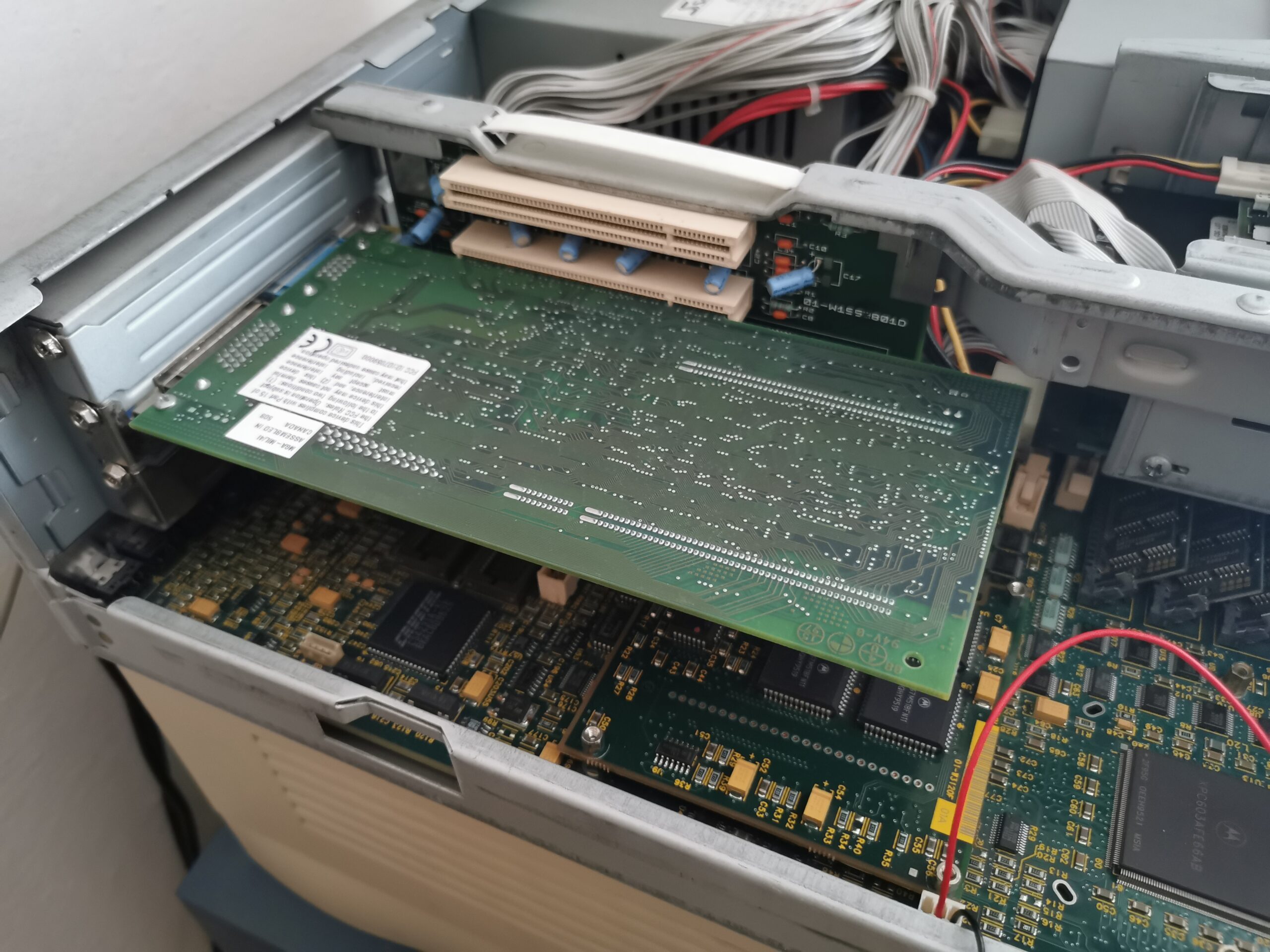
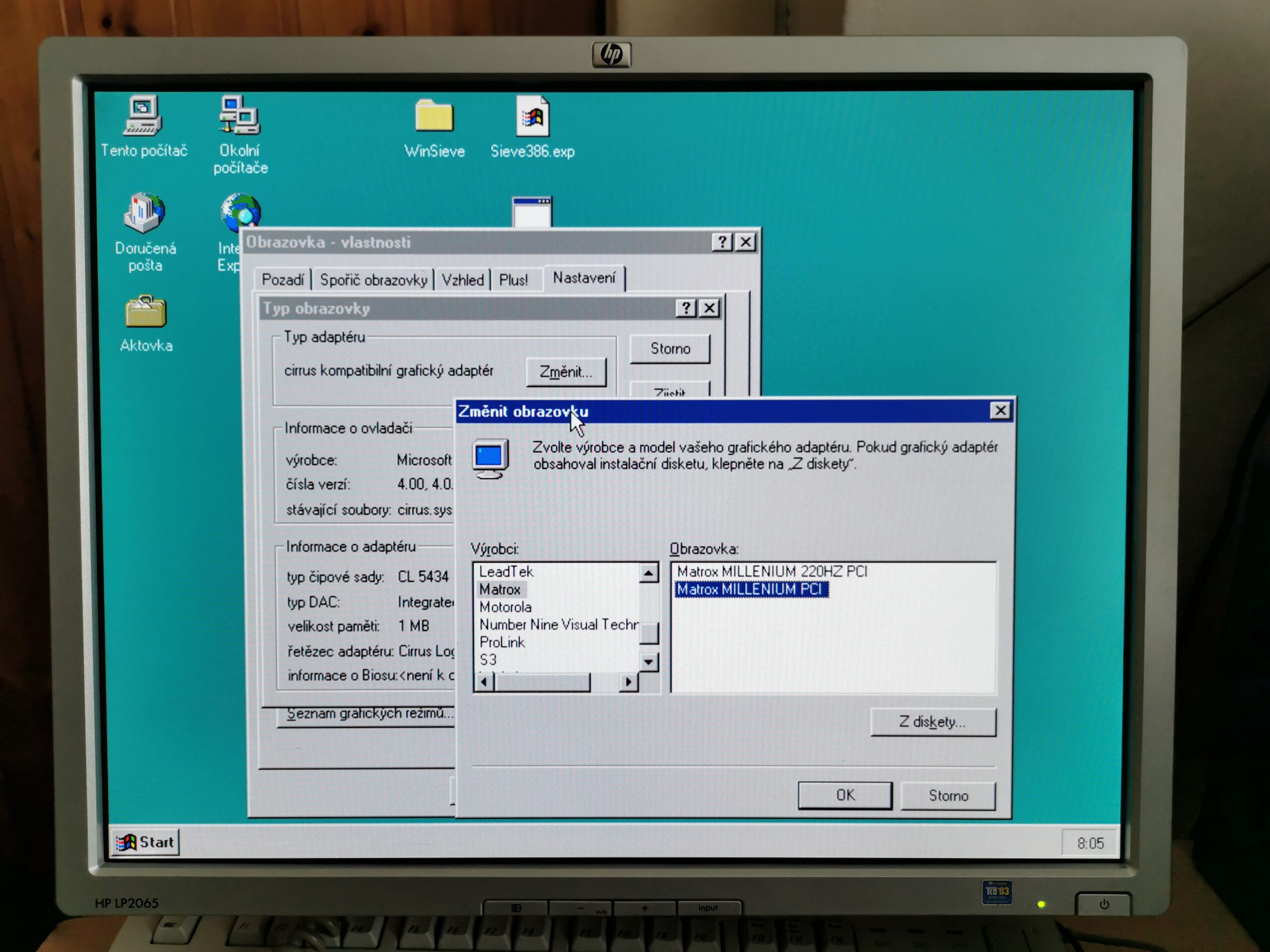
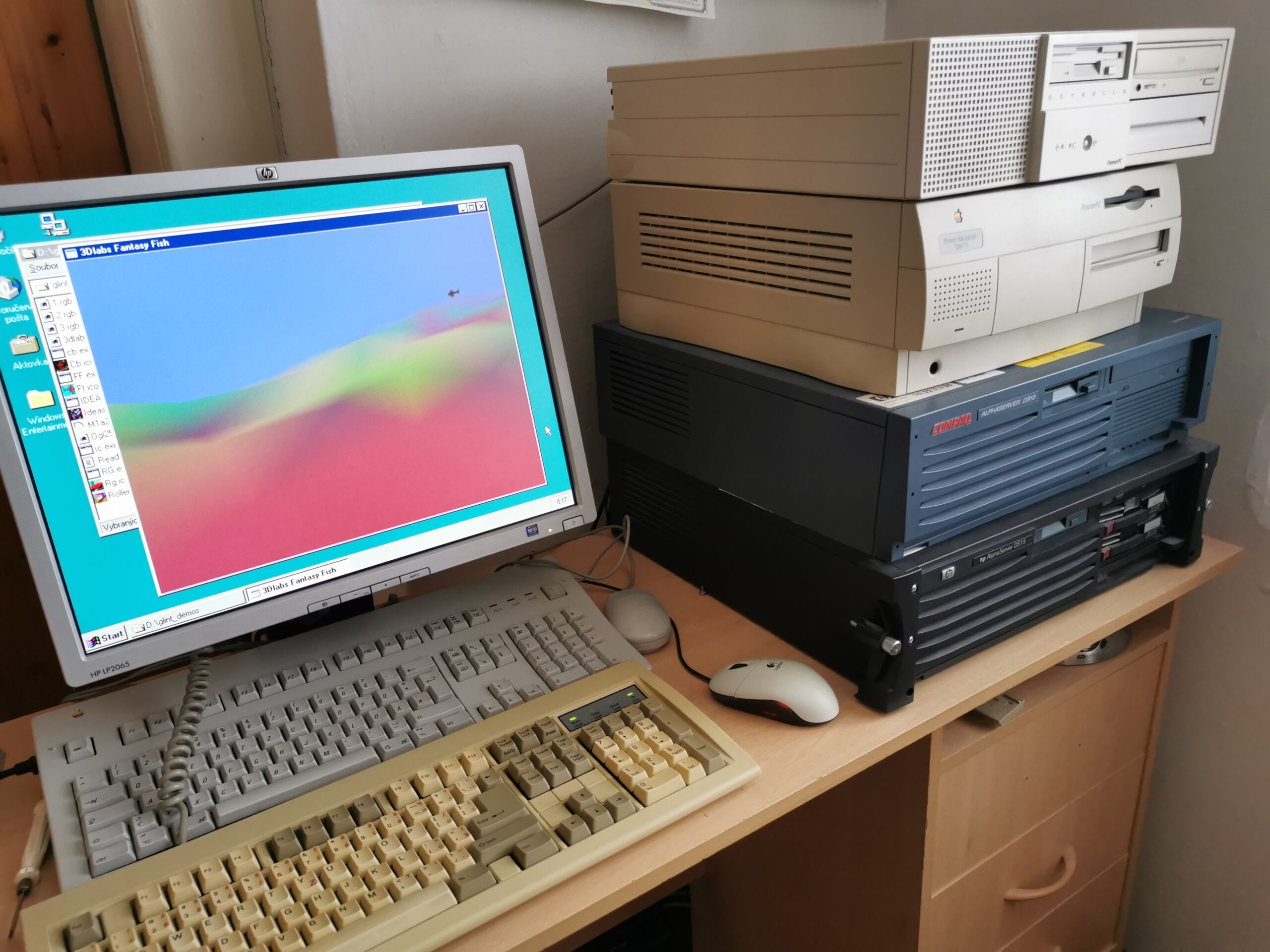
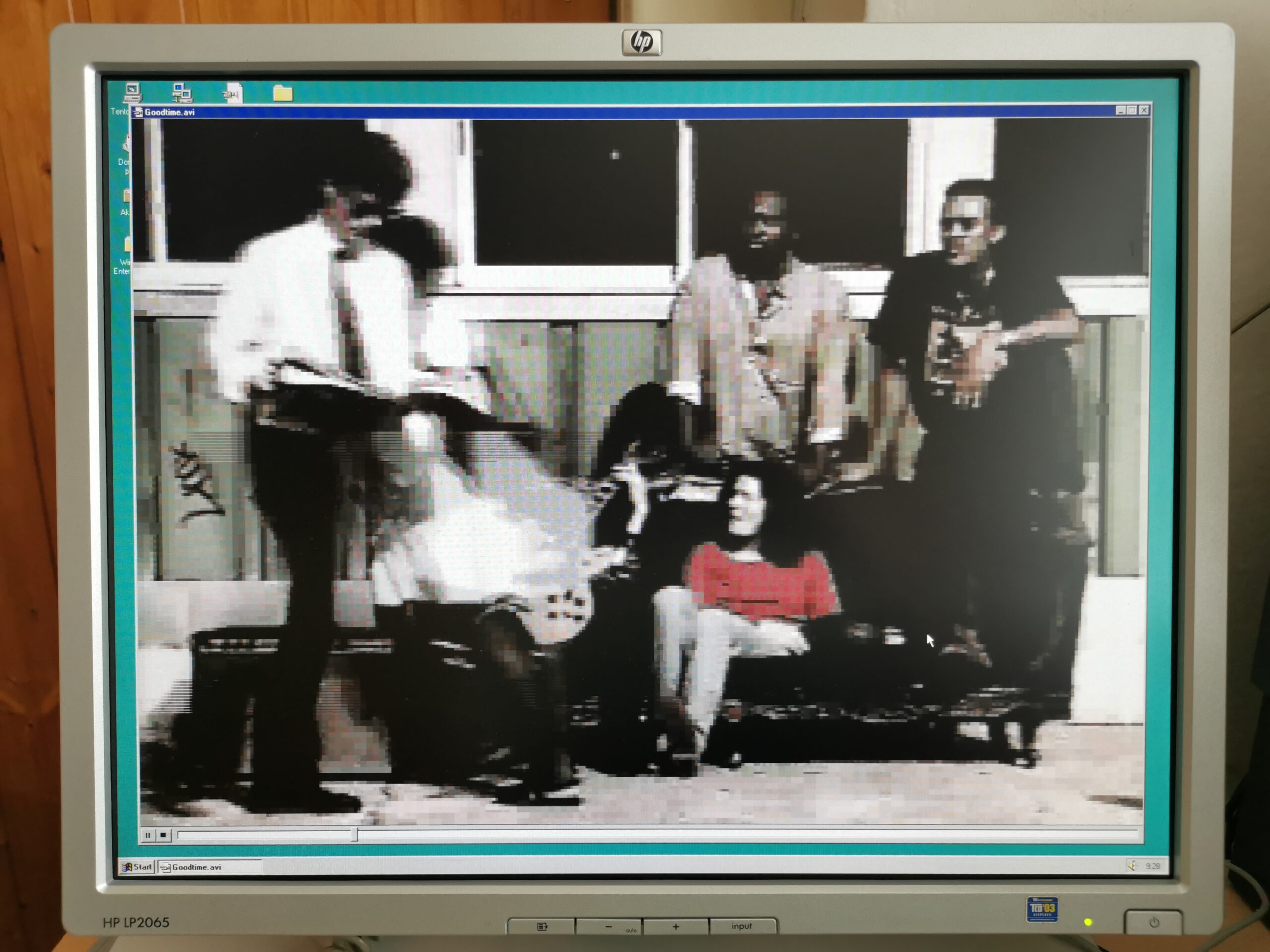
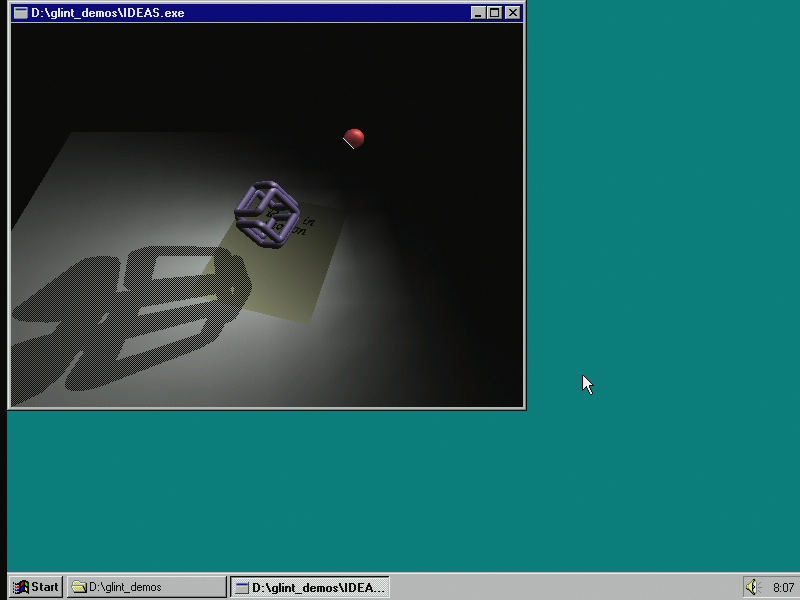
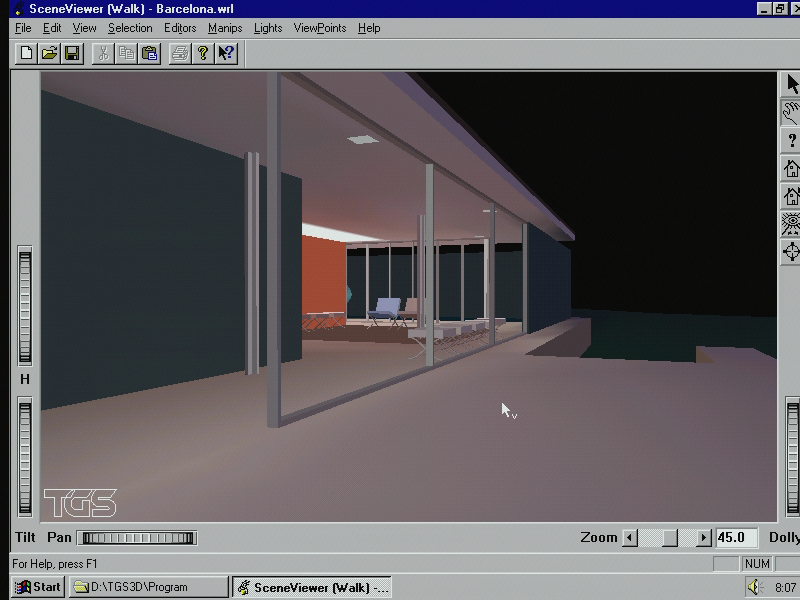
The GD-5434 was never meant as a high-end chip but provides solid performance for 2D programs in 1024×768 and 256 colors even in the basic configuration. The maximum color depth supported by the chip in Windows NT is 65536 colors (16 bits per pixel). Although the chip supports even true-color modes, NT driver is limited to 16 bpp because the 2D acceleration (BitBlt) engine in this model cannot work in the true color mode (unlike the pin-compatible GD-5436 that was apparently too expensive for Motorola). I had not upgraded the video RAM and added a Matrox Millenium 4MB PCI card instead (providing much higher performance in 2D/video and adding OpenGL 3D acceleration).
Audio support
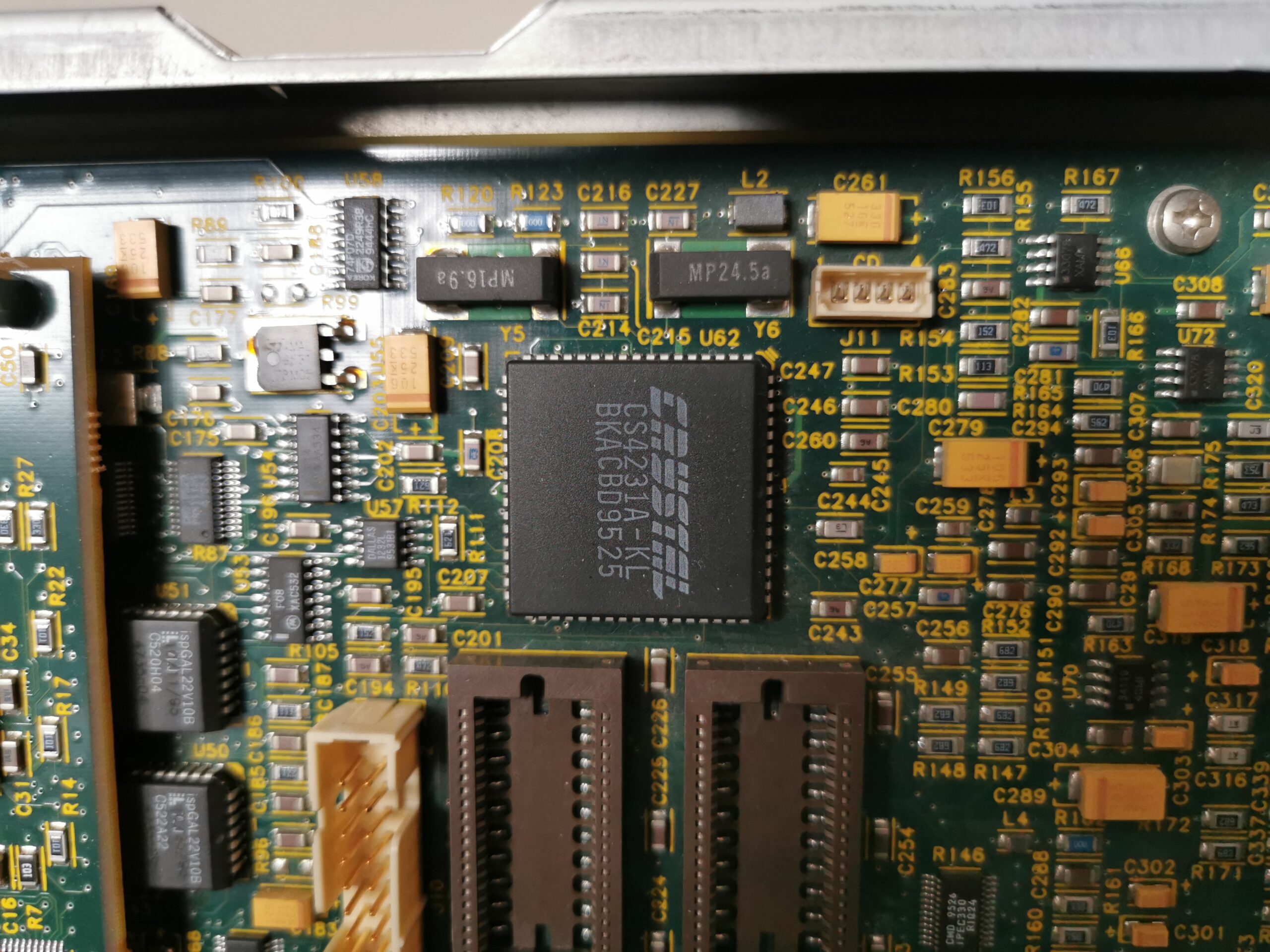
Audio functions are built around the Crystal CS4231A codec which integrates full-duplex 16-bit stereo output/input, analog mixer and programable gain. This chip is fully compatible with Windows Sound System standard but not Sound Blaster nor AdLib. That could have been an issue with PCs but not with Windows NT with no way to get Sound Blaster support in DOS games anyway.
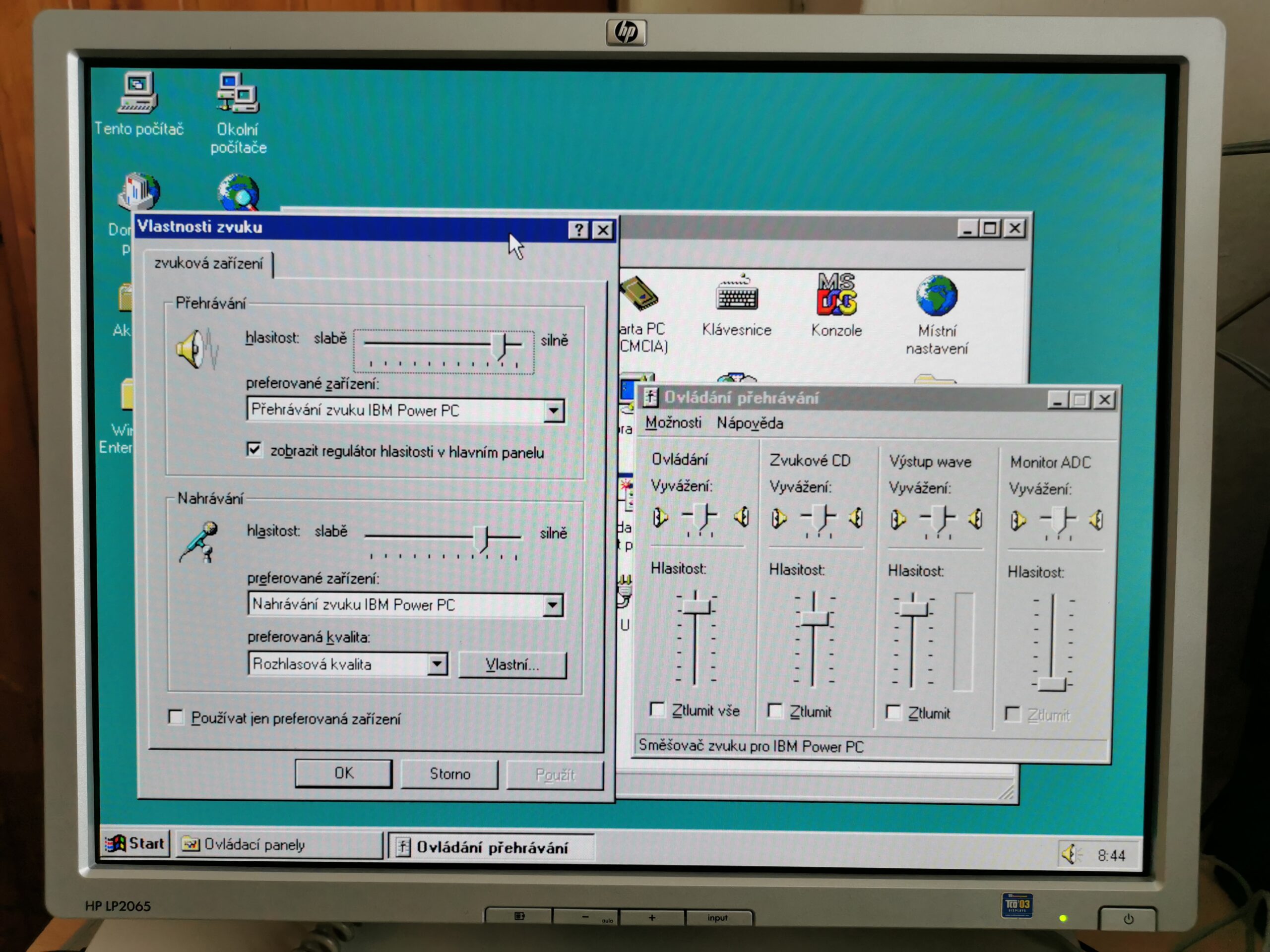
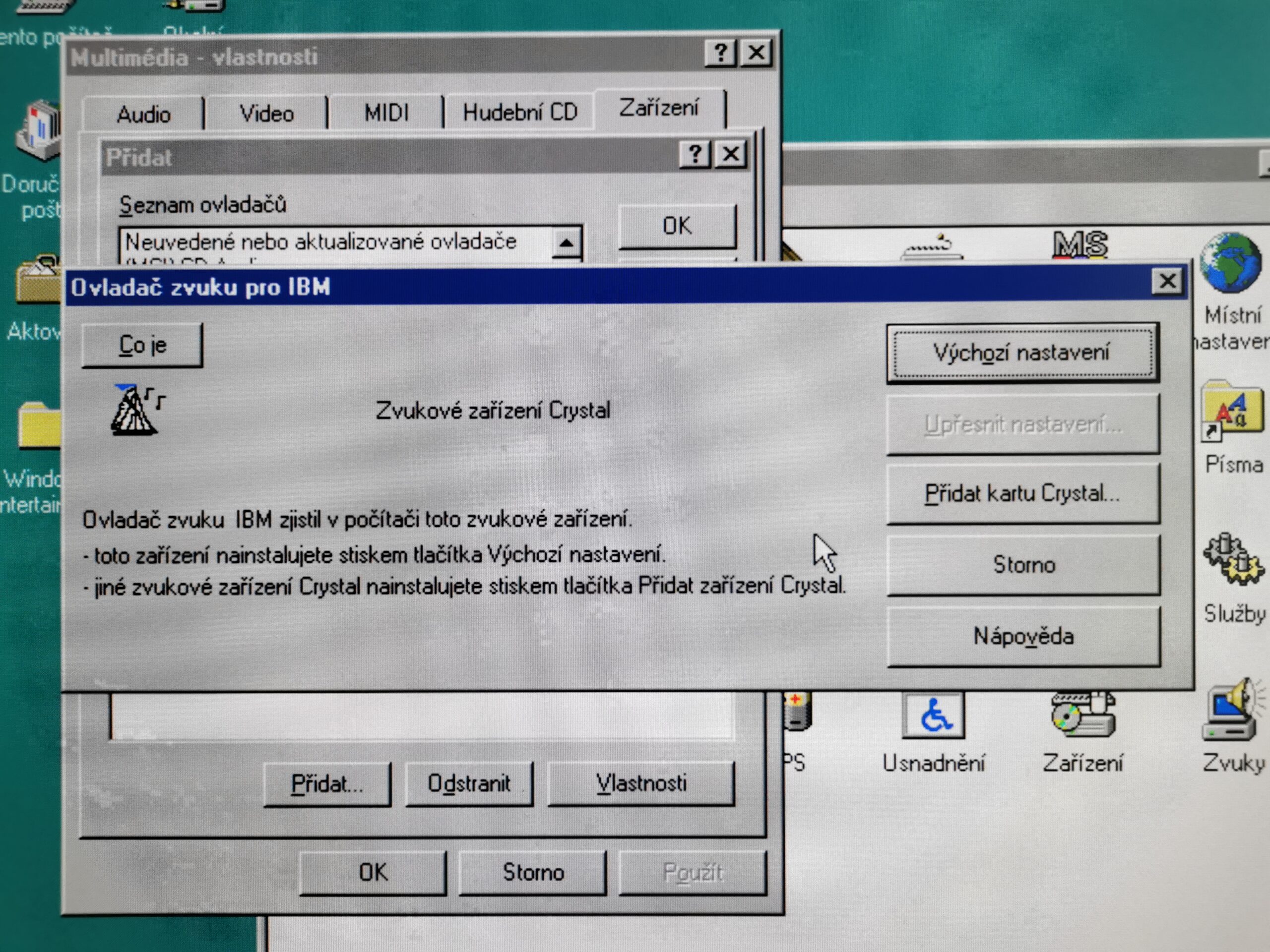
Bigger issue can be the missing on-chip MIDI synthesizer. I am not sure how the operating system was preloaded on this machine from factory (this unit was used with AIX) but if you install standard Windows NT 3.51 or NT 4.0, there will be no driver for MIDI playback. Programs using MIDI music will be silent or even crash with an error in rare cases. Microsoft later added the GS Software MIDI synthesizer from Roland to every Windows (this is true even to this day; as of 2026) but that was around 2000 due to new cheap AC97 audio codecs when PowerPC was no longer supported.
IBM used this audio codec in some of their machines too but it solved the issue by adding their own software wave-table synthesizer. There is a customized installation ISO of Windows NT 3.51 for IBM ThinkPad 8xx computers (containing that synth driver) which seems that can be tweaked to be installed on this machine, but I did not try it.
IBM AIX and even the never-released version of OS/2 for PowerPC both contain this wave-table synthesizer as well so IBM did not want users of their PowerPC machines to be without MIDI playback features.
Given the computer is not equipped with a “game port” (which is normally combined with MIDI in/out on sound cards) or an internal MIDI header for universal wavetable MIDI synthesizers, the only way to get hardware MIDI playback is by adding a supported ISA or PCI sound card and replacing the on-board audio.
Other integrated functions
Although many chips are standard commodity hardware from the x86 PC world, there is no support for IDE storage on the mainboard (presumably because of the lousy support on the UNIX side). On the other hand, there is an integrated SCSI-2 (8-bit Fast SCSI) PCI controller based on NCR 53C810 (LSI Logic today). It allows transfers up to 5MB/s asynchronously and up to 10MB/s synchronously (up to 110MB/s for burst data).
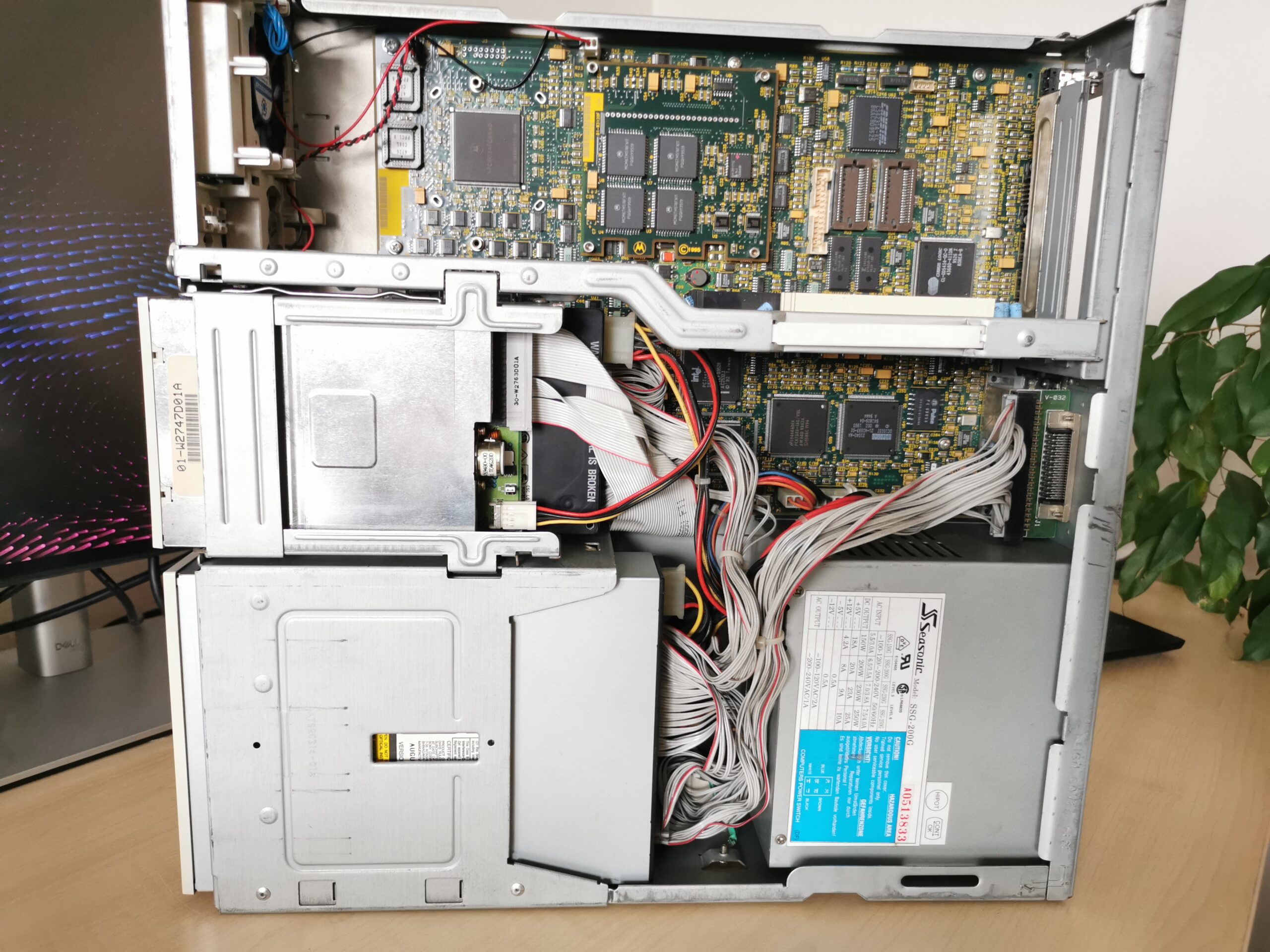
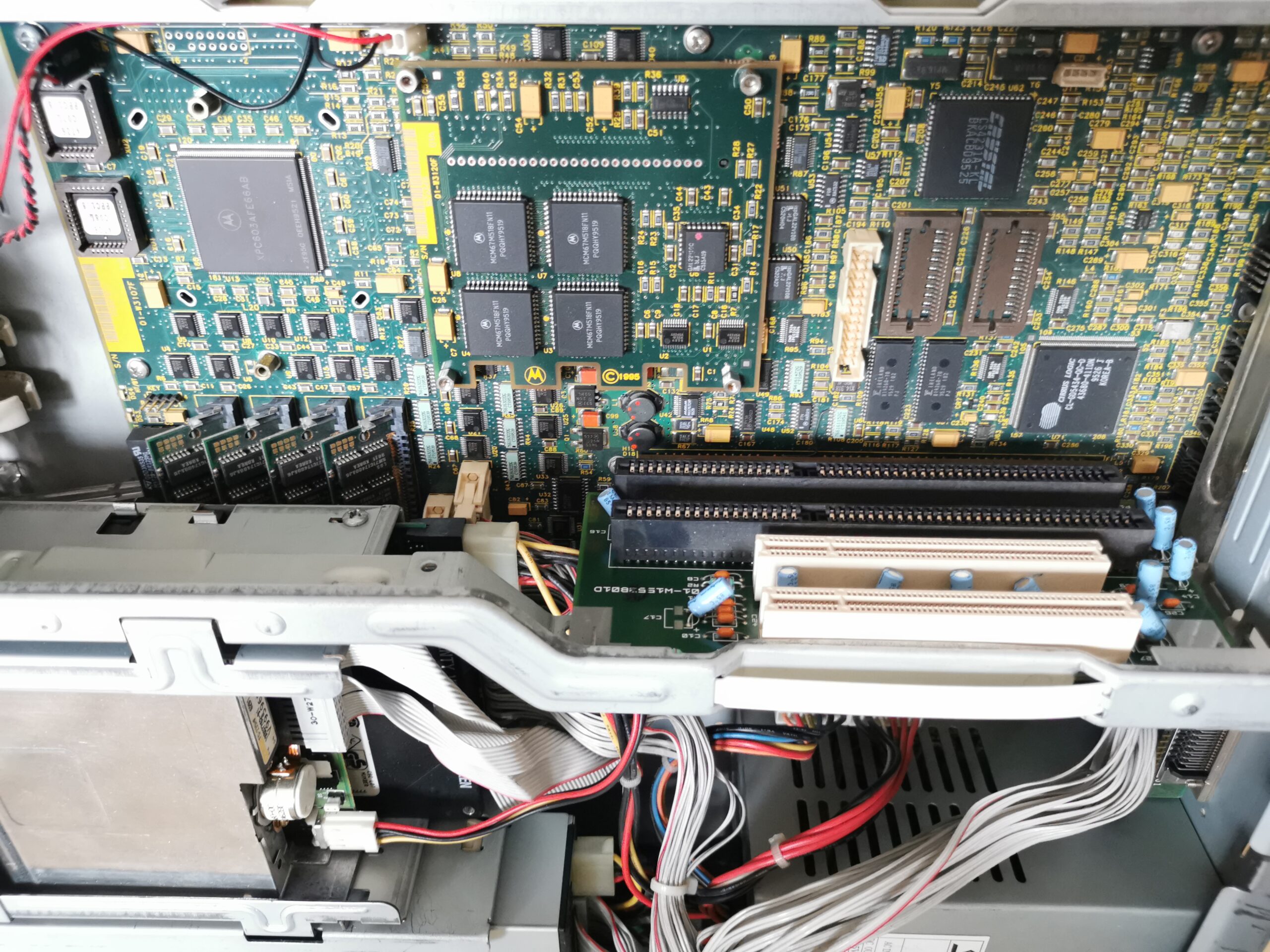
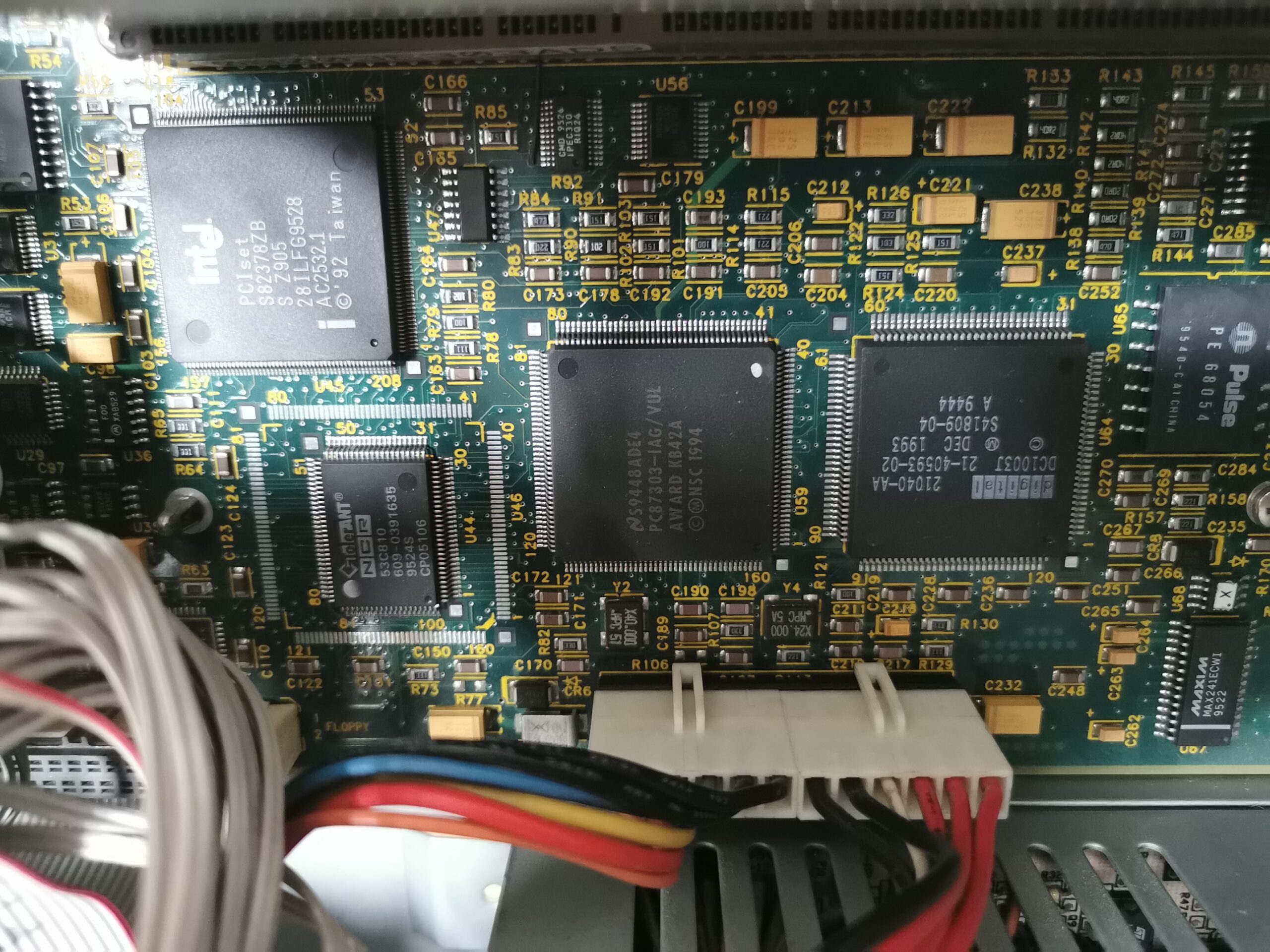
Based on the documentation, Motorola planned from the beginning to offer a wide SCSI controller (16-bit; up to 20MB synchronously) in future versions of the mainboard. I am not sure if this had ever happened in the DT model.
The PCI bus used by the SCSI controller, graphics chips, network controller (DEC 21040-AA) and expansion slots is driven by the main Motorola MPC105 chipset (called „Eagle“). ISA bus is used by the audio controller as well as other low-performance devices and the PCI-ISA bridge is provided by a fairly standard Intel PCIset 82378ZB chip. Most ISA devices are integrated in the National Semiconductor PC87303VUL Super I/O chip. It combines a floppy controller, keyboard controller, RTC, serial ports, parallel port and even a basic IDE interface not used in this computer (it would be slow and with no DMA anyway).
Unnecessarily noisy
The PowerPC 603 CPU does not have any heatsink installed. It has so small energy consumption that the chip does not need any. Given that, it is sad that the machine is very loud. The fan in the front produces surprisingly high amount of noise comparable to the top spec SGI Indigo2 workstation with the high-end Maximum IMPACT 3D graphics system. If Motorola wanted to compete with PCs, they could make the computer more “office friendly”.
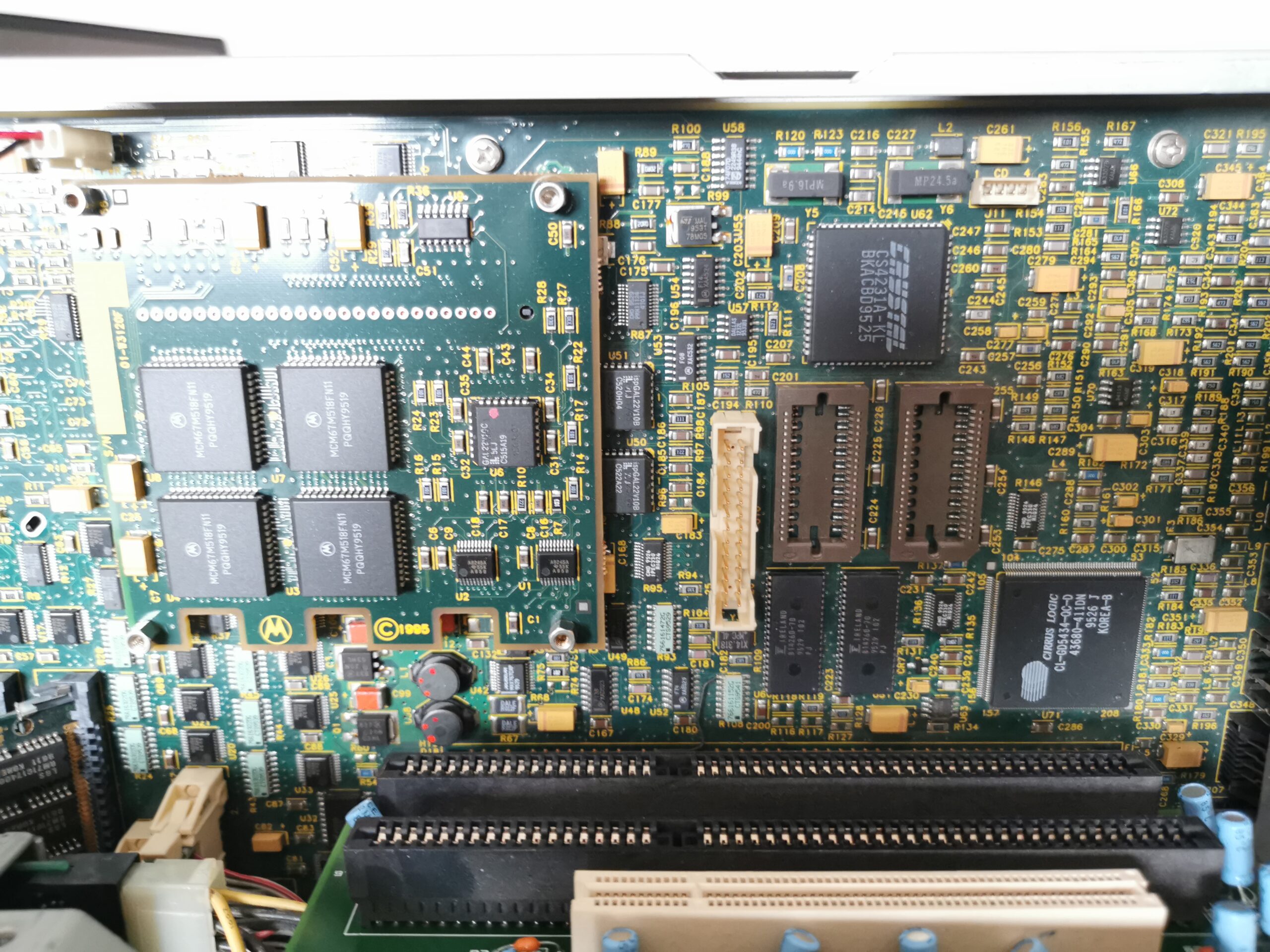
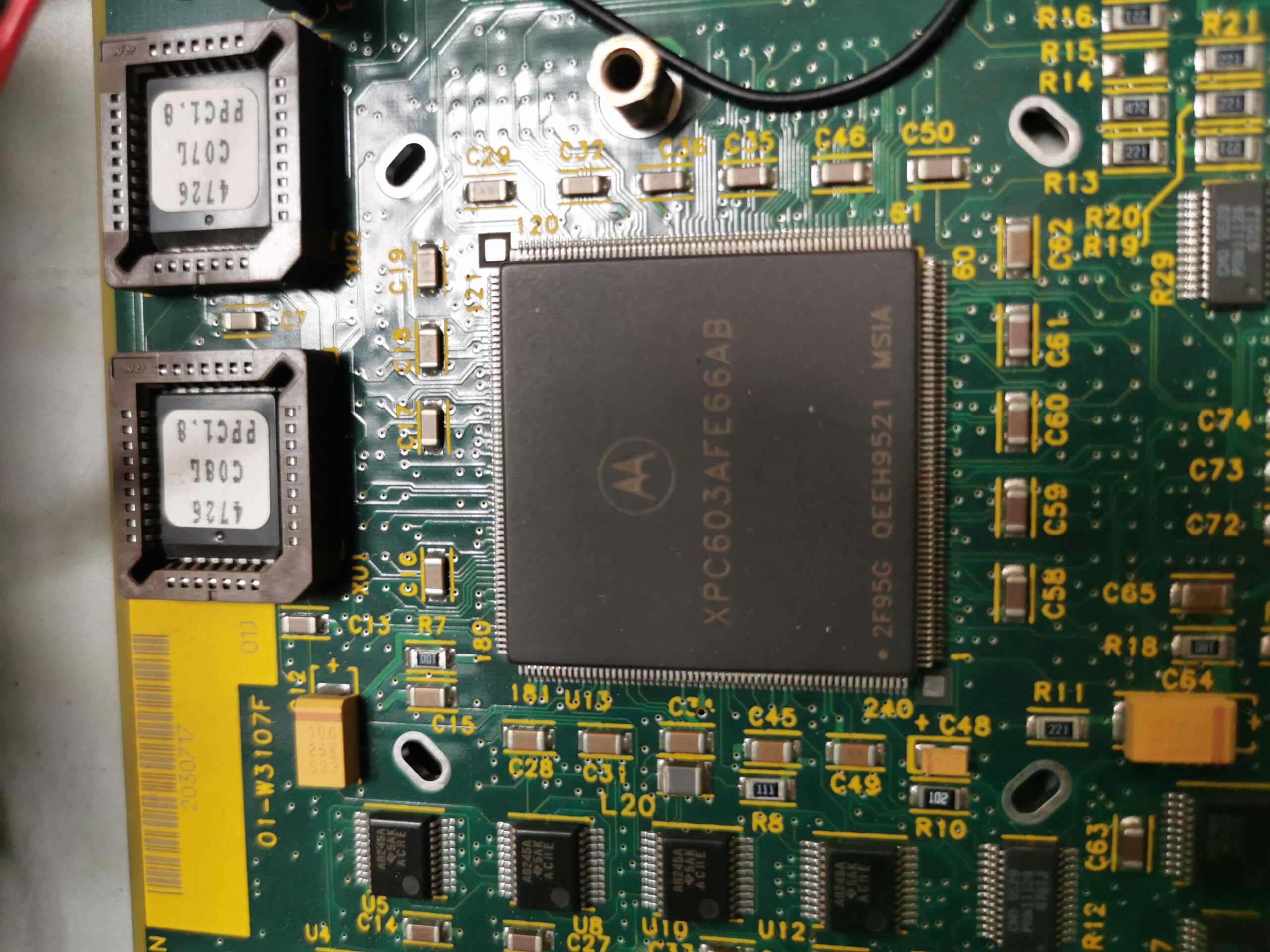
I expect that the PowerPC 604 version of the mainboard (the CPU is always soldered on board) is installed in the same case with the same fan. The PowerPC 604 has much larger energy consumption (comparable to Pentium Pro), so the loud fan would make more sense there. I expect that the manufacturer just did not care about the noise level.
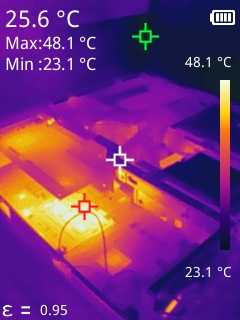
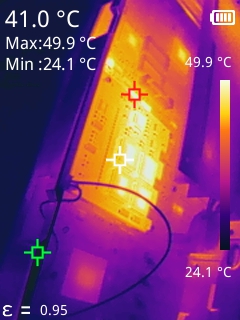
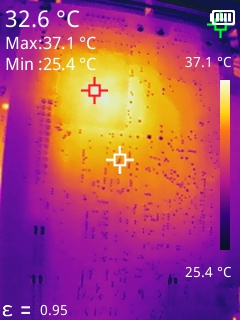
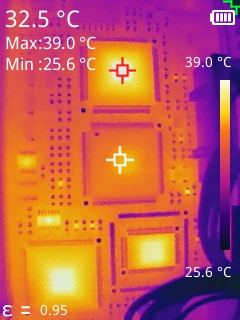
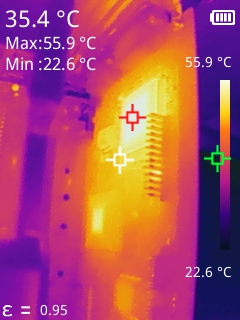
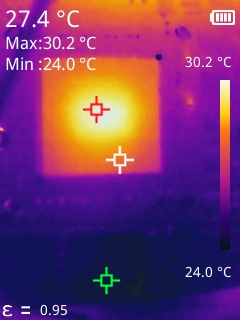
There is one component producing a lot of heat though. It is the cache module with the chips having almost 50°C when the computer is running. The cache module was optional component adding hundreds of dollars to the price of the computer and significantly improves performance of the machine. In the old USENET discussions, people complained about the performance of PowerPC 603-based computers configured without cache, comparing UNIX responsiveness to 486-class computers.
Multiple firmware options
There are two firmware packages available for the machine. PPCBug works in the big-endian mode and it is intended for use with UNIX (primarily IBM AIX; but also Solaris and Linux). ARC works in the little-endian mode and you need it if you want to install Windows NT like I did (or OS/2 for PowerPC). The annoying part is that you cannot install both types of operating systems and select which one you want to boot. The only solution is to flash new firmware from floppy every time you want to switch the OS.
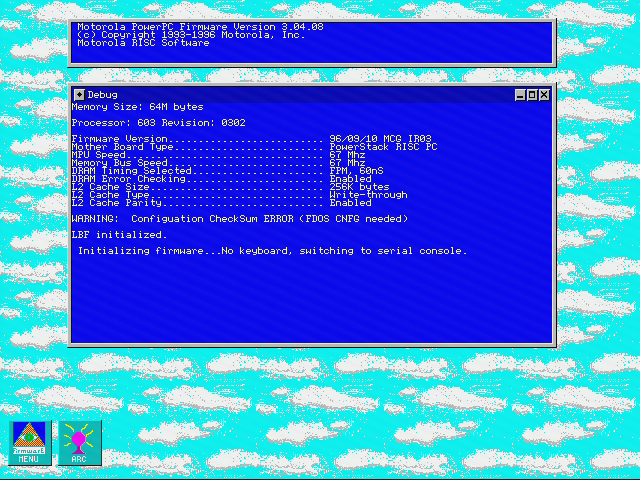
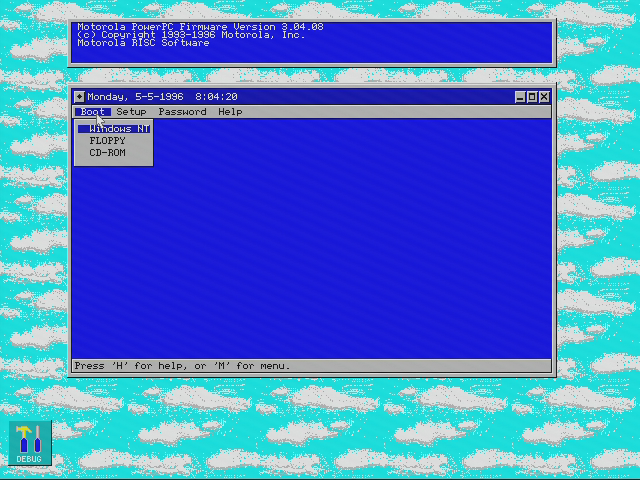
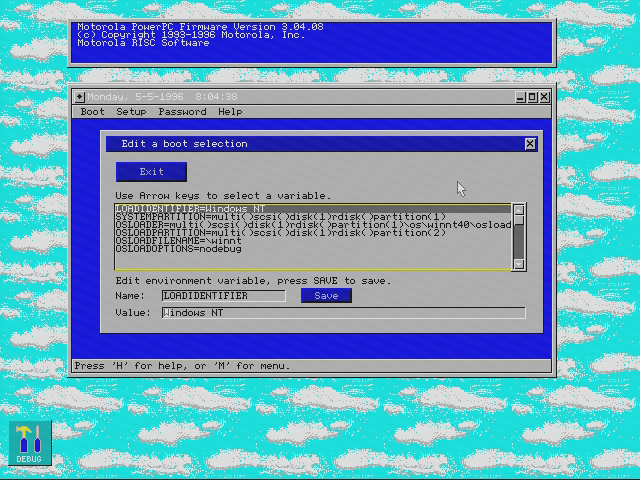
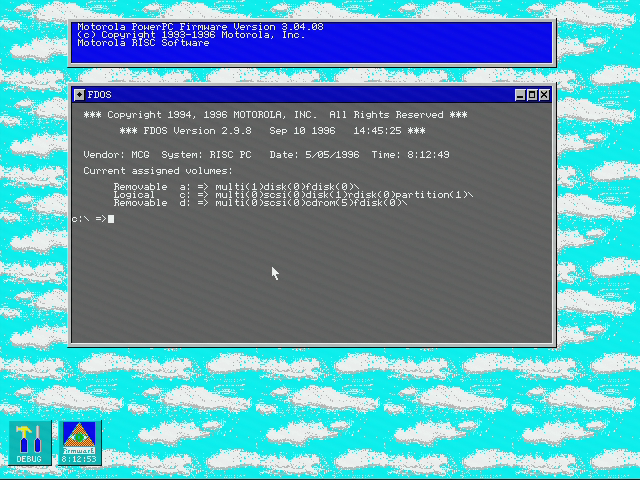
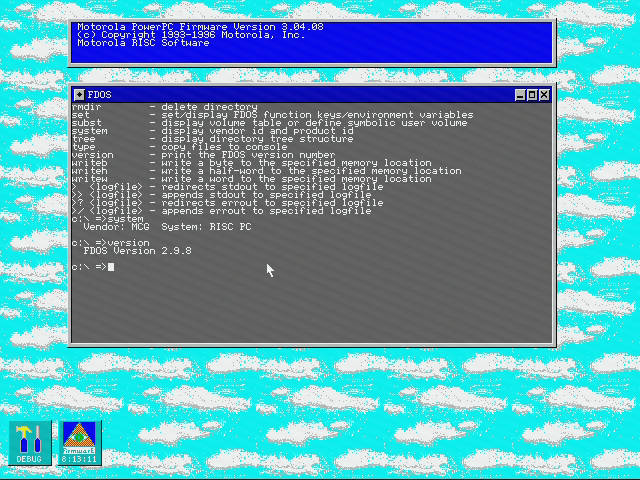
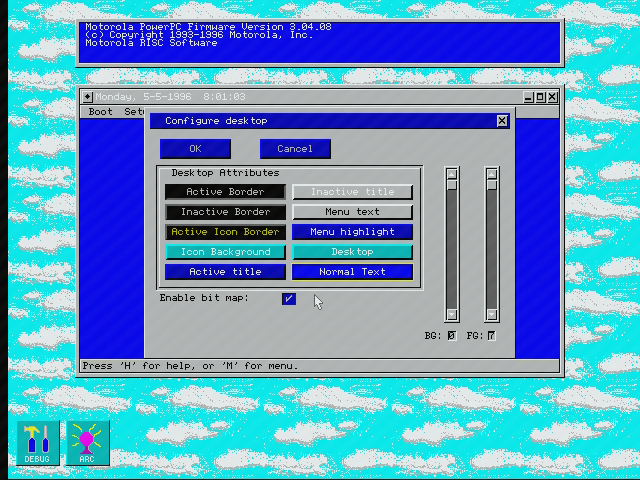
The Motorola’s implementation of the ARC firmware received a mouse-driven graphical user interface (in 640×480 and 16 colors) that is not very fast nor very friendly. On the other hand, they implemented full window handling – allowing multiple windows displayed on screen, including resizing and minimizing options etc. I would prefer a simple text-mode interface though.
Performance and experience
I would normally add more info about using the computer but there is a separate (much longer) write-up about my experience with Windows NT running on PowerPC systems. If you are interested in this topic, please continue there.
Overall performance was slightly better in integer and significantly better in floating-point math compared to an Intel Pentium with the same clock. The difference was not large enough to justify users/companies switching to a different (incompatible) CPU architecture though if we talk about the Windows NT environment. You could get a higher-clocked Pentium for the same money. As a result, this particular model with the base PowerPC 603 made sense only for developers that wanted to port their Windows applications to PowerPC architecture. There were even developer discounts to boost the interest of software companies (that was a common strategy by HW vendors and these discounts were often around –50%). However, as we know today, only few companies were interested in supporting PowerPC architecture with their Windows programs and most of them terminated the effort soon .
As a result, such a machine was mostly used as an inexpensive way to run AIX (like this particular unit). In such cases, you did not have to care about the emulation of x86 (especially slow on PowerPC 603) and could enjoy good performance in native POWER/PowerPC programs (as long as your unit was configured with the L2 cache module). The only drawback, when used as a workstation, remained in the unnecessarily loud fan.
For those who really wanted a really fast PowerPC machine, this was not the right model. They had to look for versions with a PowerPC 604 CPU. The price premium for a much faster 100-MHz PowerPC 604 in the PowerStack MT604-100 model was $1,500.